

The Rhythm of theDance Economy

Connect. Book. Teach. Manage. The only end-to-end platform
for instructors, studios, and members.
The FDC One apps are coming soon to the App Store and Google Play.

One Platform. Three Journeys.
Three sides. One platform. Infinite possibilities.

Discover & Grow
Discover classes, track progress, earn rewards, and level up your skills through gamified learning experiences.

Perform & Earn
Browse gigs, set your rates, get hired by studios, and build your teaching career on your own terms.

Staff & Scale
Find talent, manage bookings, handle payments with escrow security, and scale your studio operations.
One account. Three ways to dance.
Find it on the web. Live it in the app. Members, instructors and studios all meet in one place: bookings, payments and studio hire connect them.
Members
- Find classes, events and rooms to hire near you
- Book and pay in seconds
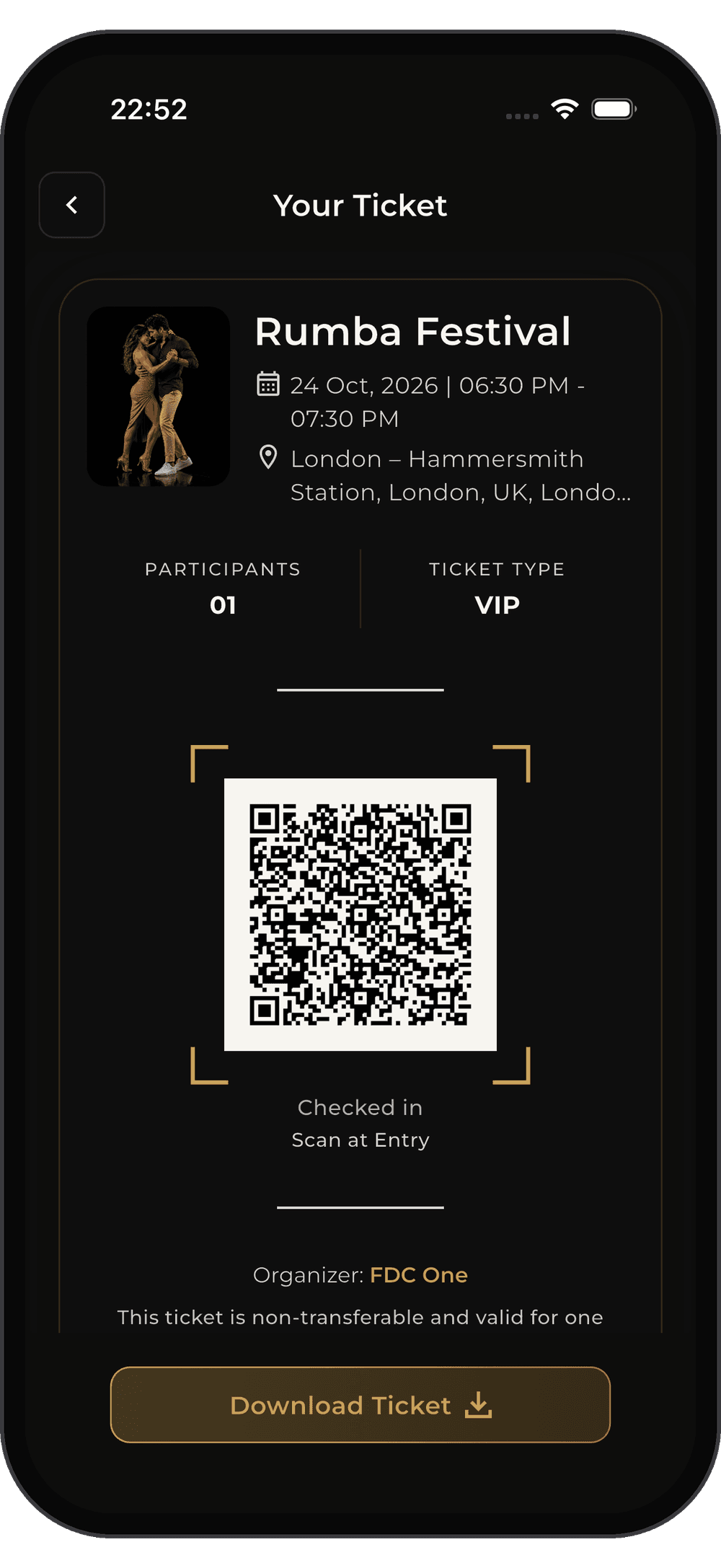
- Your QR ticket checks you in
📱 Your tickets and bookings live in the app
Instructors
- Run classes, packages and events
- Get paid straight to your wallet
- Scan attendees in at the door
📱 Scan tickets and manage bookings in the app
Studios
- List rooms for hire, with your own lengths and prices
- Instant book or Request to book, your choice
- Get paid 24 hours after each session
📱 Accept requests and check hirers in from the app
- Discover
- Book & pay
- QR ticket
- Check in
- Get paid
The FDC One apps are coming soon to the App Store and Google Play.


FOR MEMBERS
Master Your
Movement
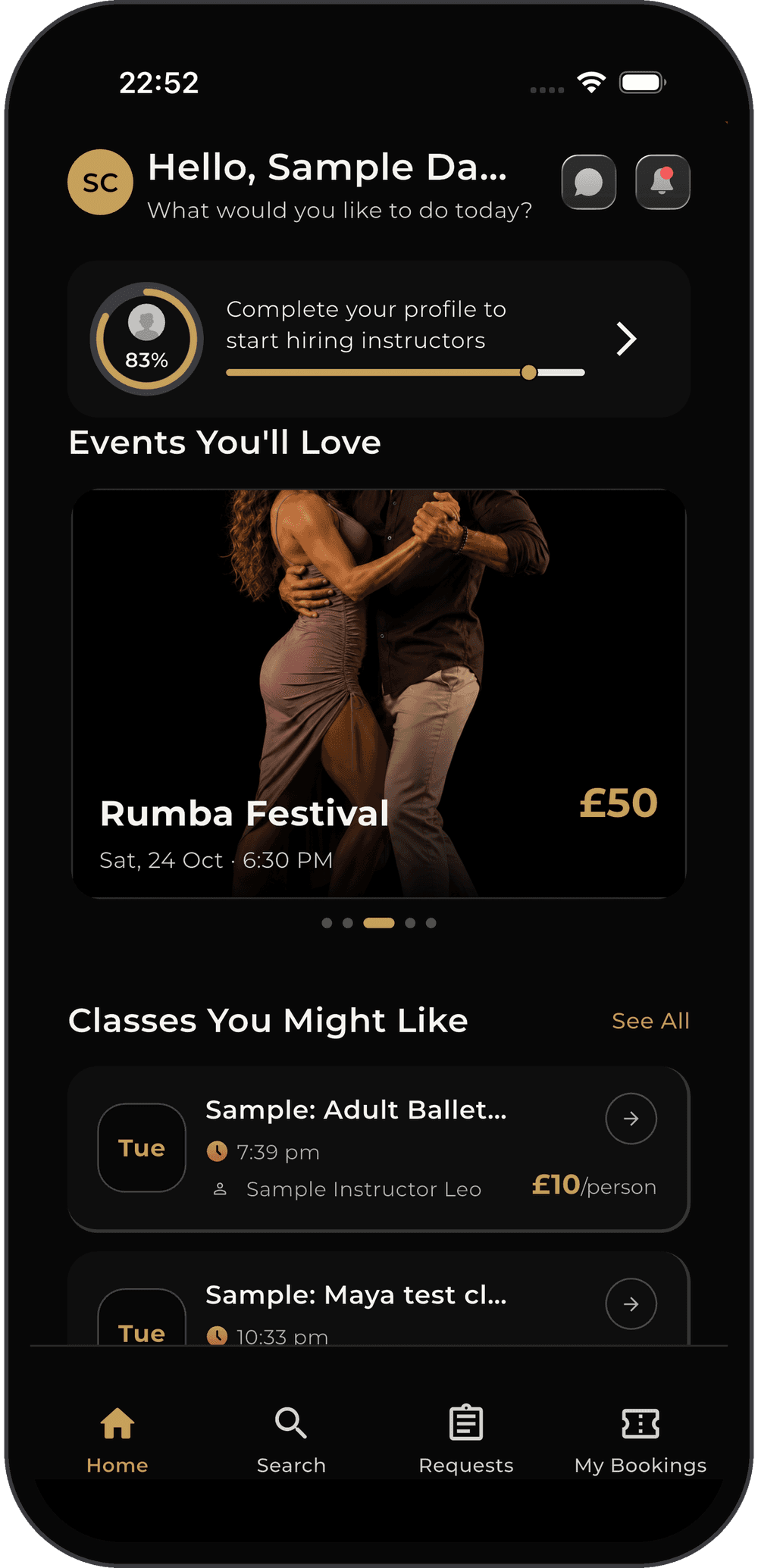
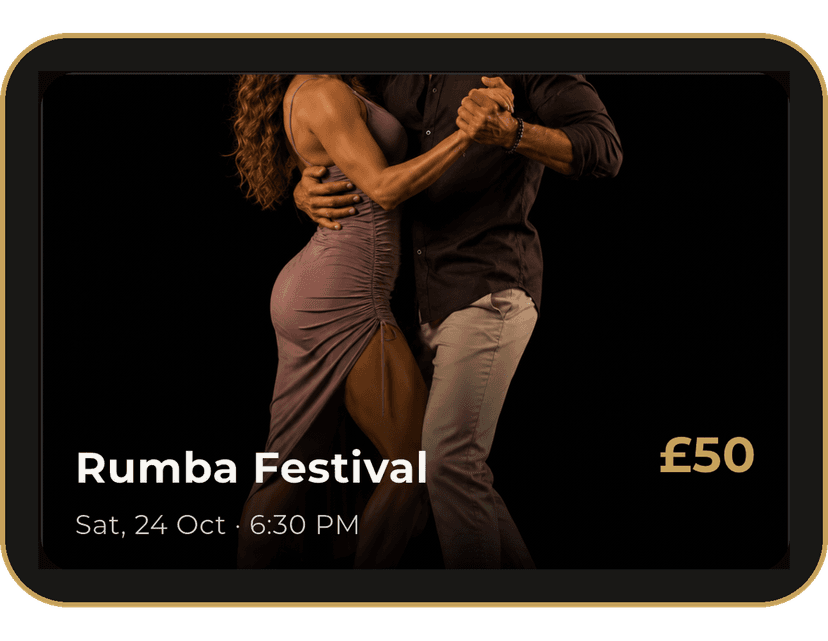
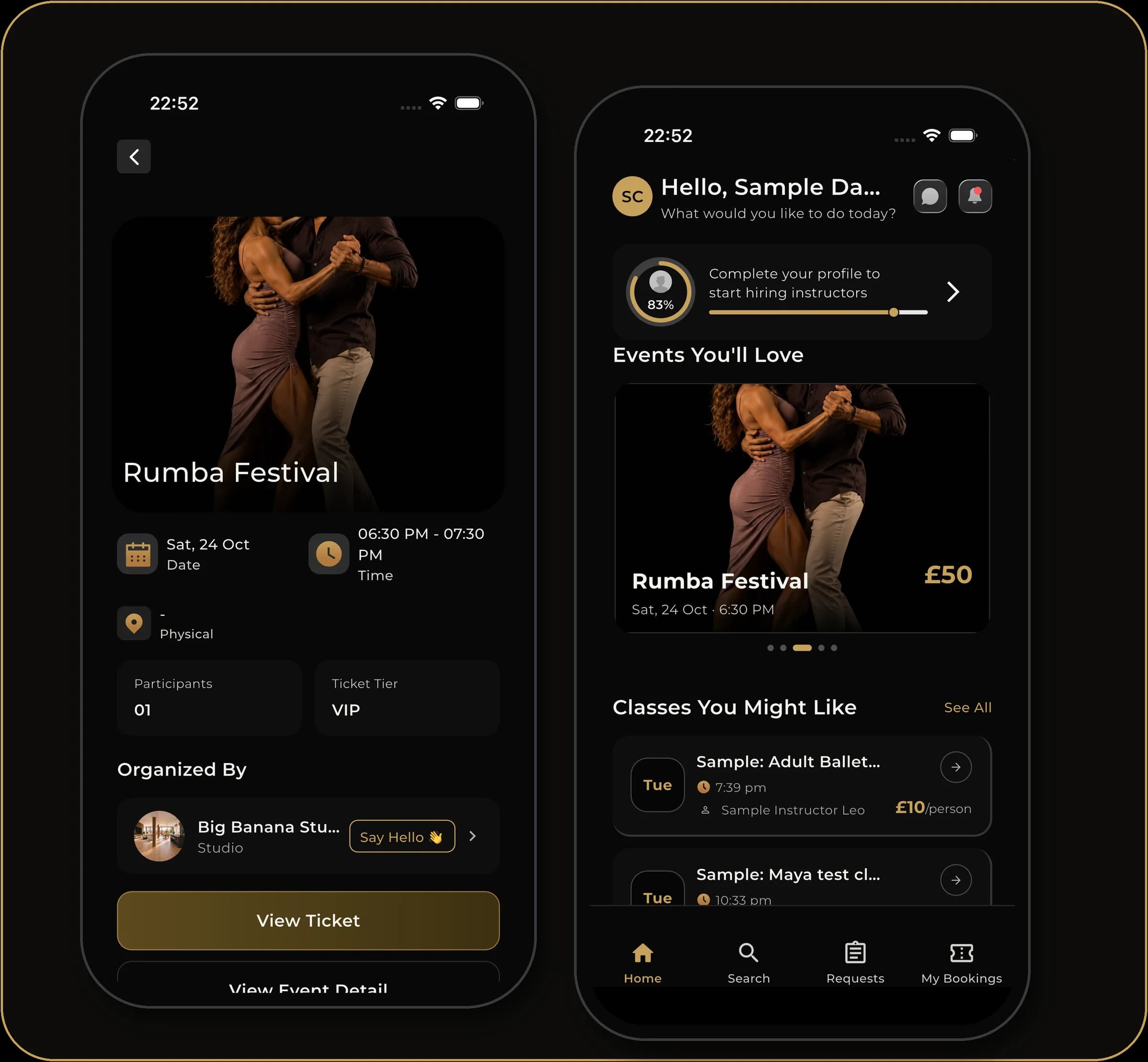
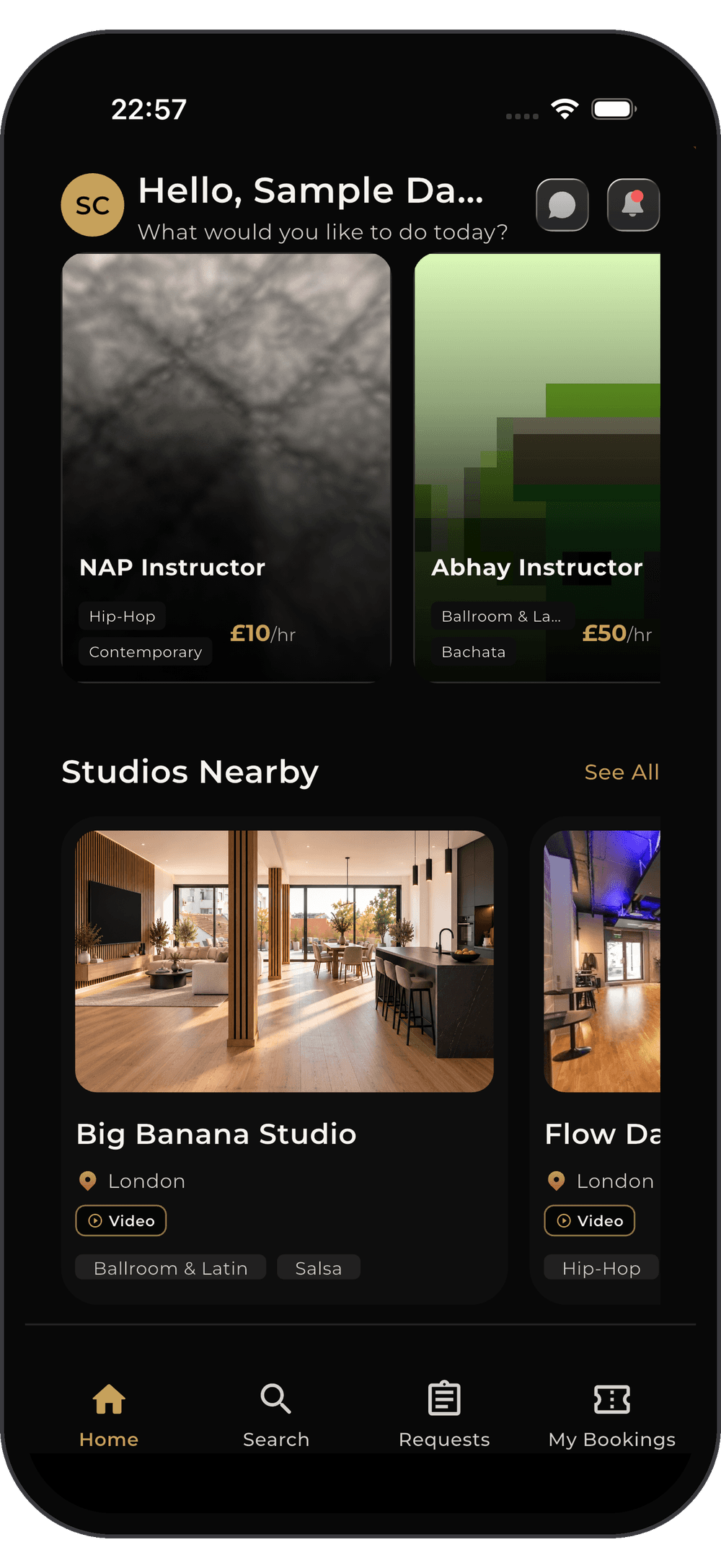
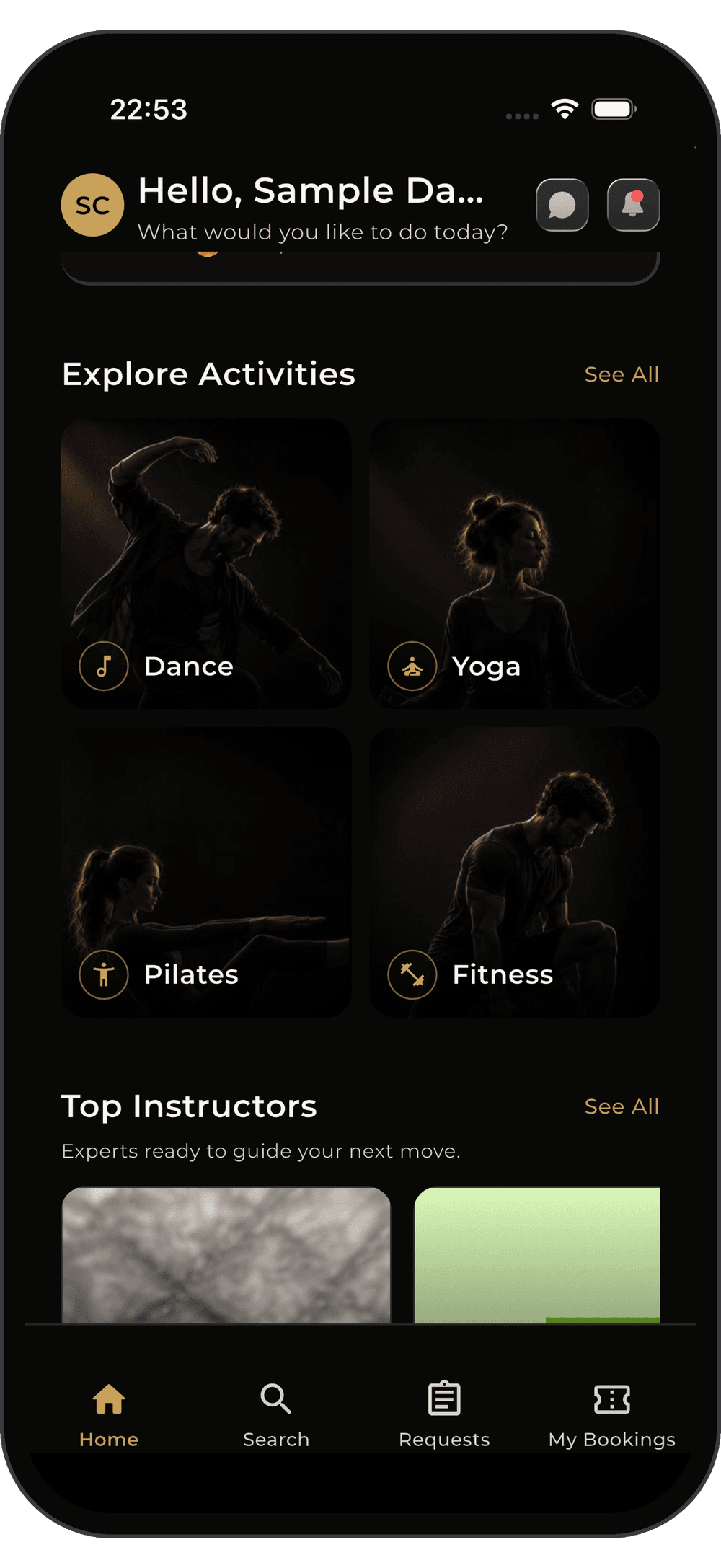
Explore a curated feed of local dance classes and exclusive masterclasses. Whether you're booking weekly group sessions or securing tickets to one-off social events, FDC One makes it seamless. Browse schedules, reserve your spot, and get instant QR tickets for hassle-free check-ins.

Hire Talent on
Your Terms
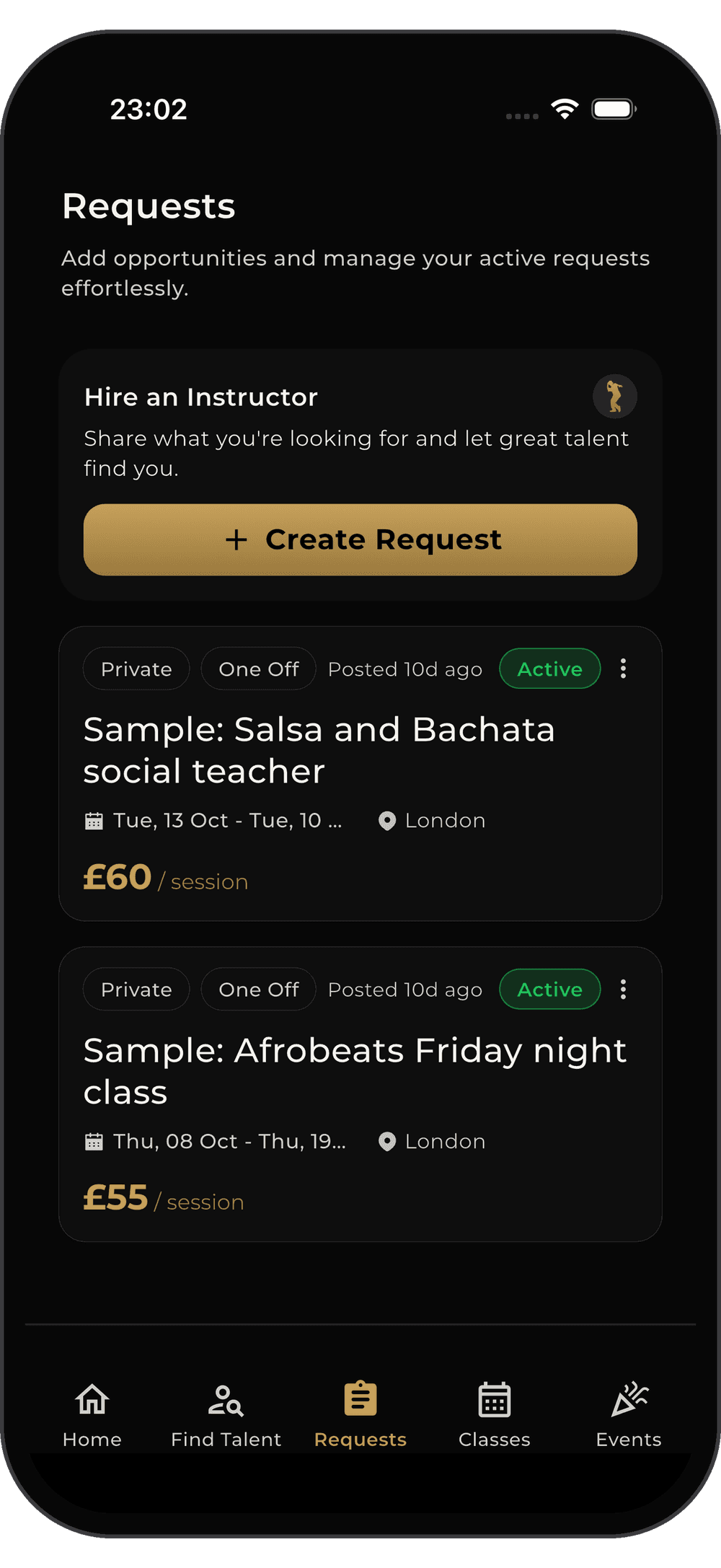
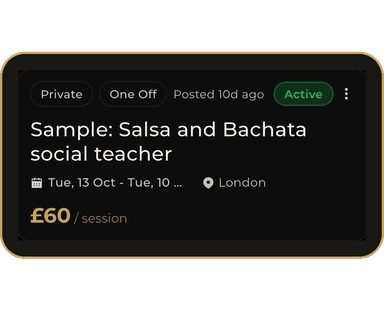
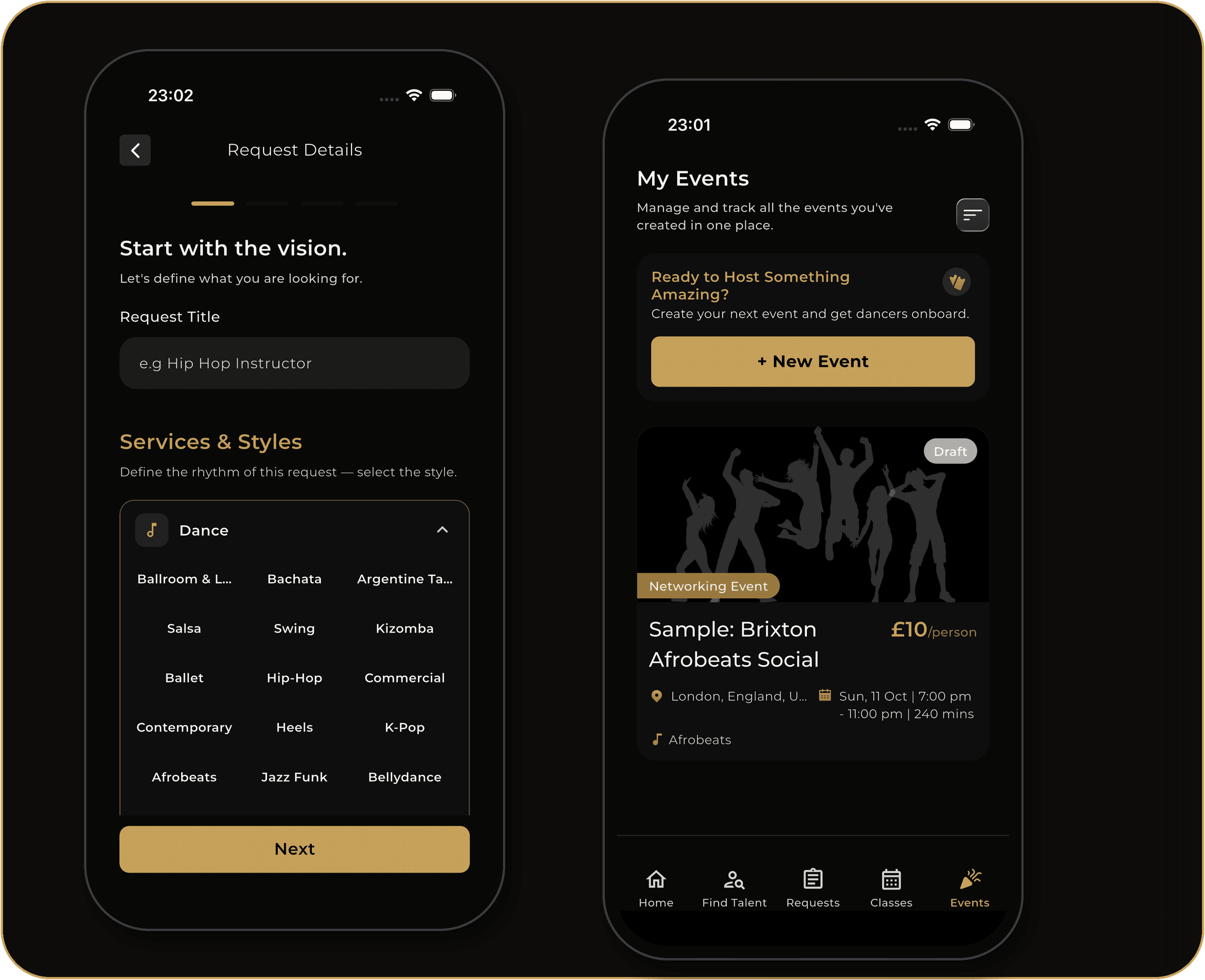
Need personalized training? Post a custom job for private lessons, set your preferred budget, and let top-rated instructors apply directly to you. Review their profiles, accept the best fit, and manage milestones securely.
Post custom learning requirements
Define your goals, schedule, and budget. Top instructors compete for your business.
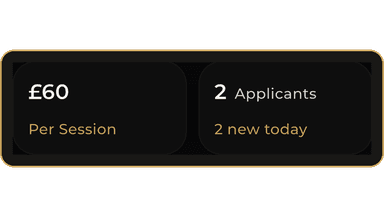
Review incoming instructor applications
Browse verified profiles, ratings, and experience. Choose who fits your style best.
Secure milestone-based payments
Funds held in escrow. Pay only when each session is completed to your satisfaction.
Your Dance
Schedule,
Simplified.
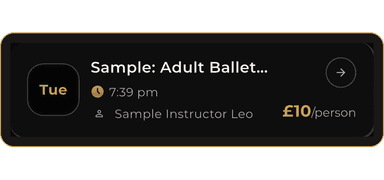
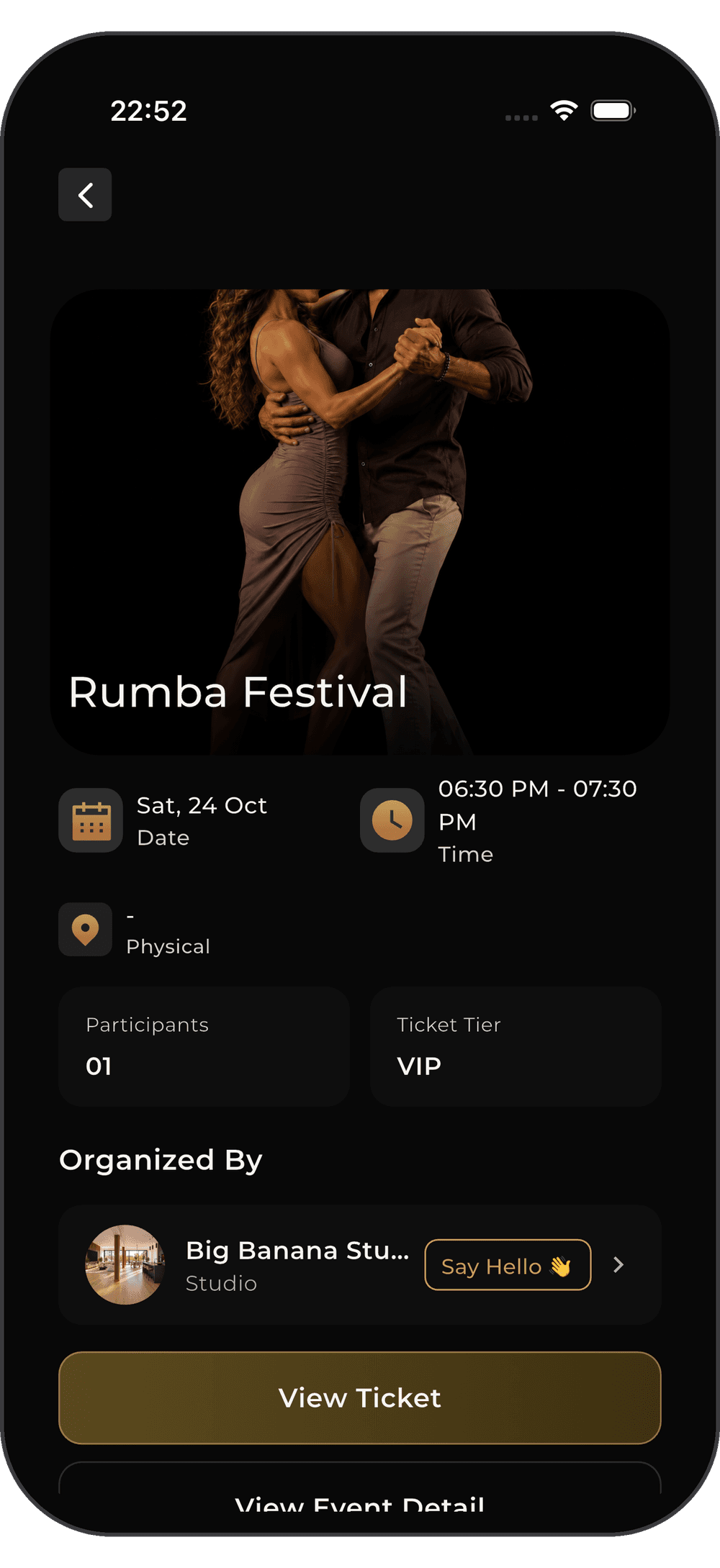
Never miss a beat. FDC One tracks all your upcoming classes and major events in one intuitive dashboard. Toggle between your schedules, view detailed session info, and pull up your digital tickets in seconds.
Unified Dashboard
Toggle seamlessly between Classes and Events
Status Tracking
Monitor Upcoming and Completed sessions
Quick Access
One-tap digital tickets and instructor details

Build Your Perfect
Class.
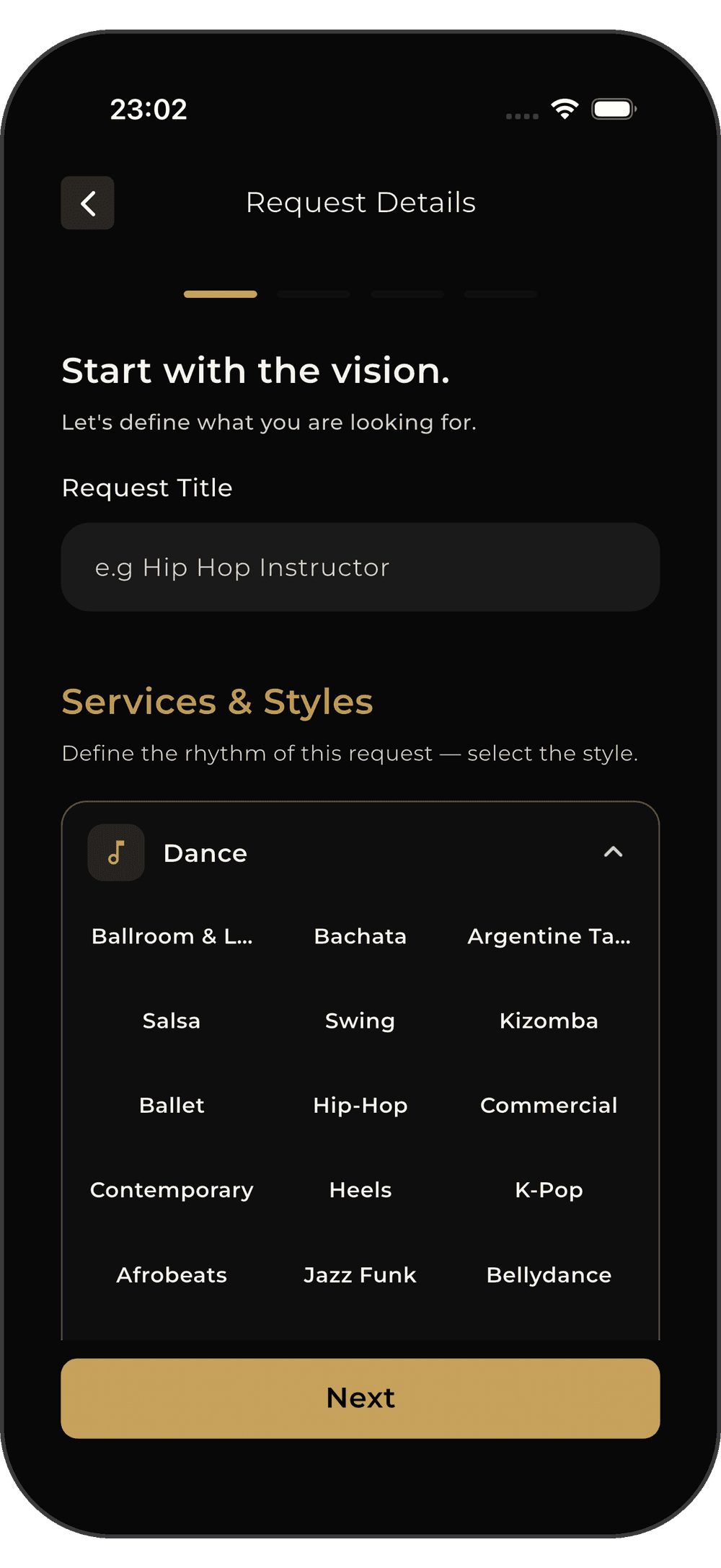
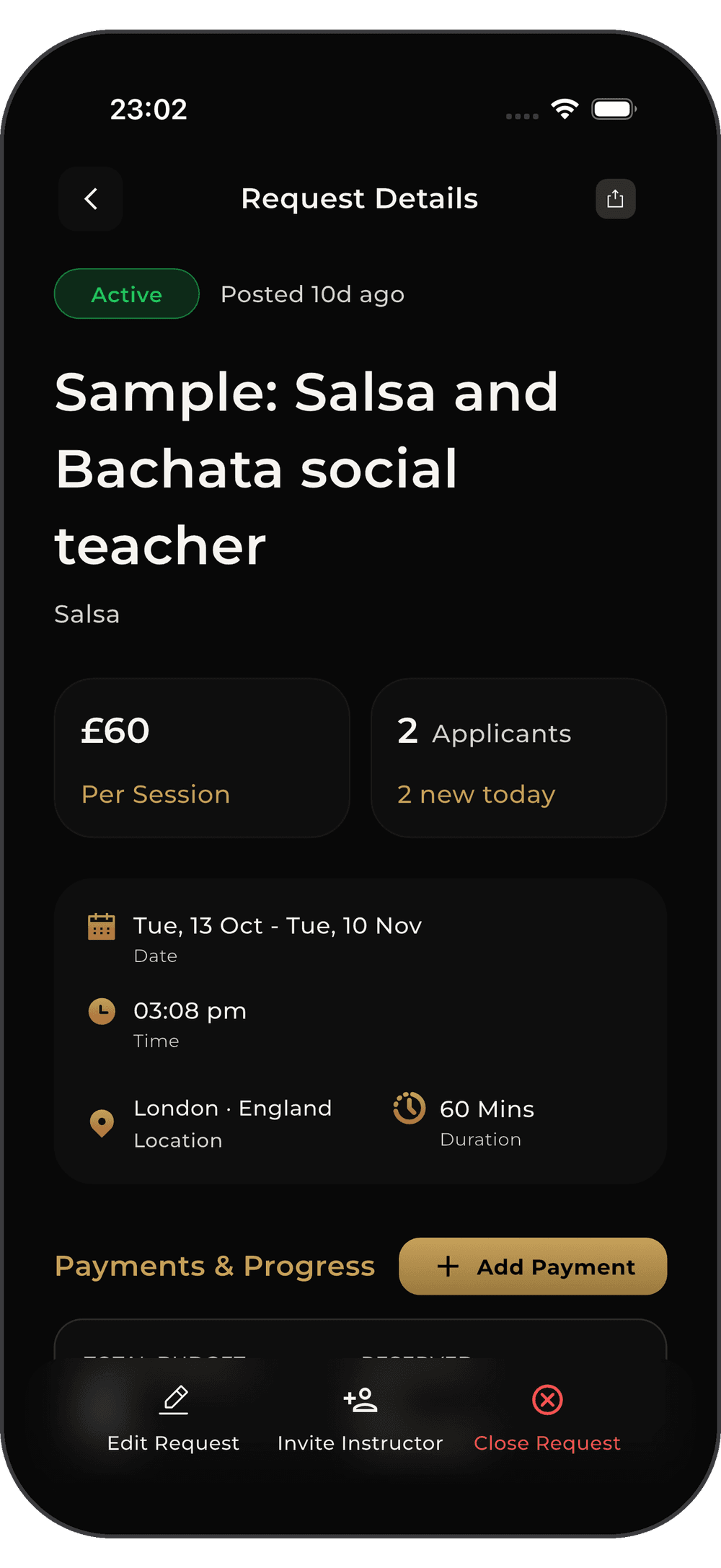
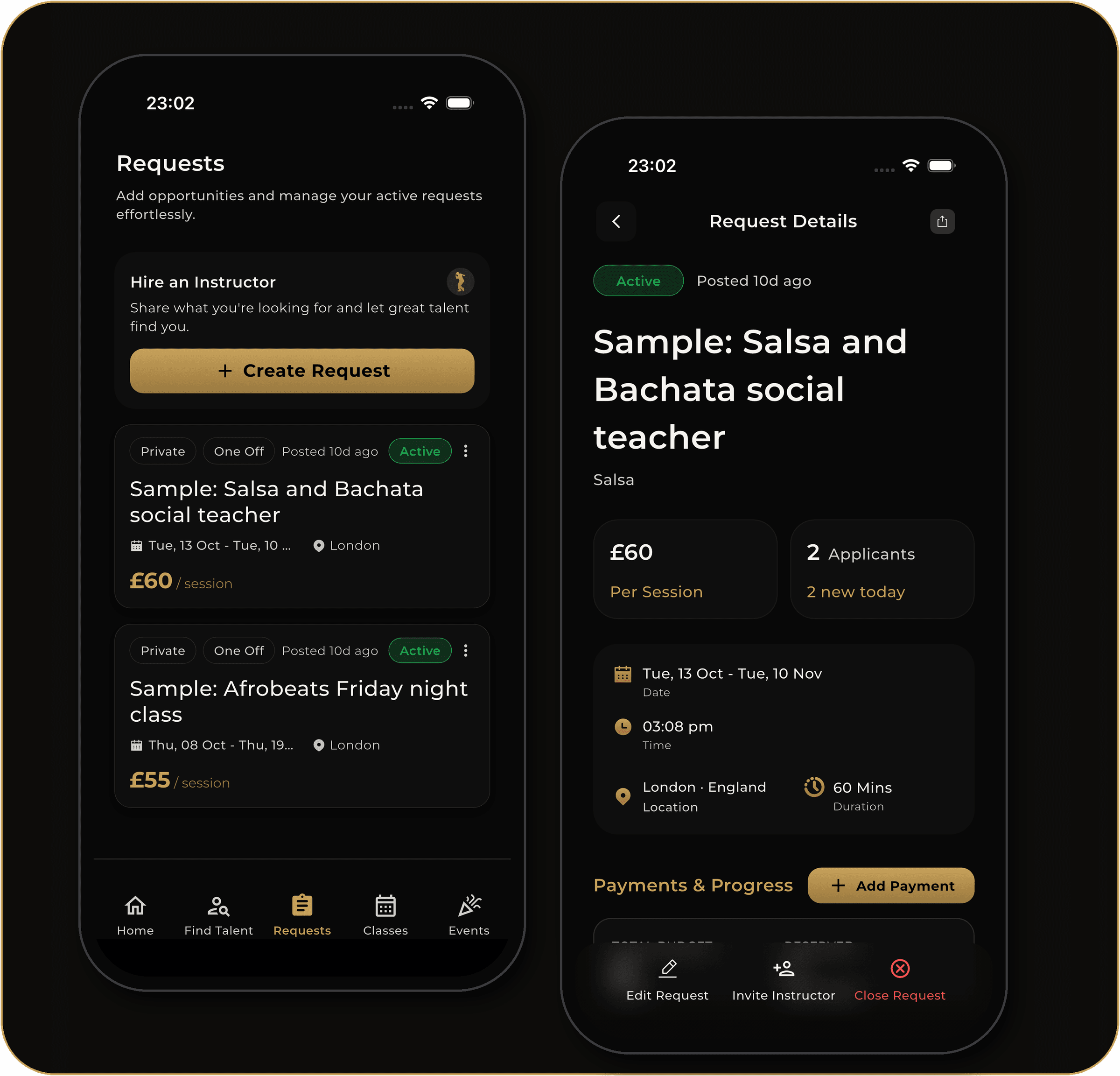
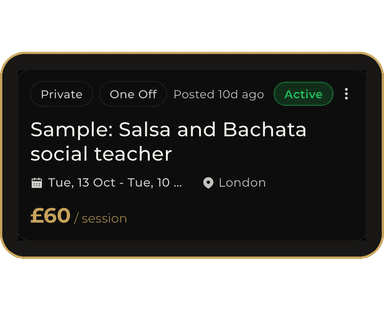
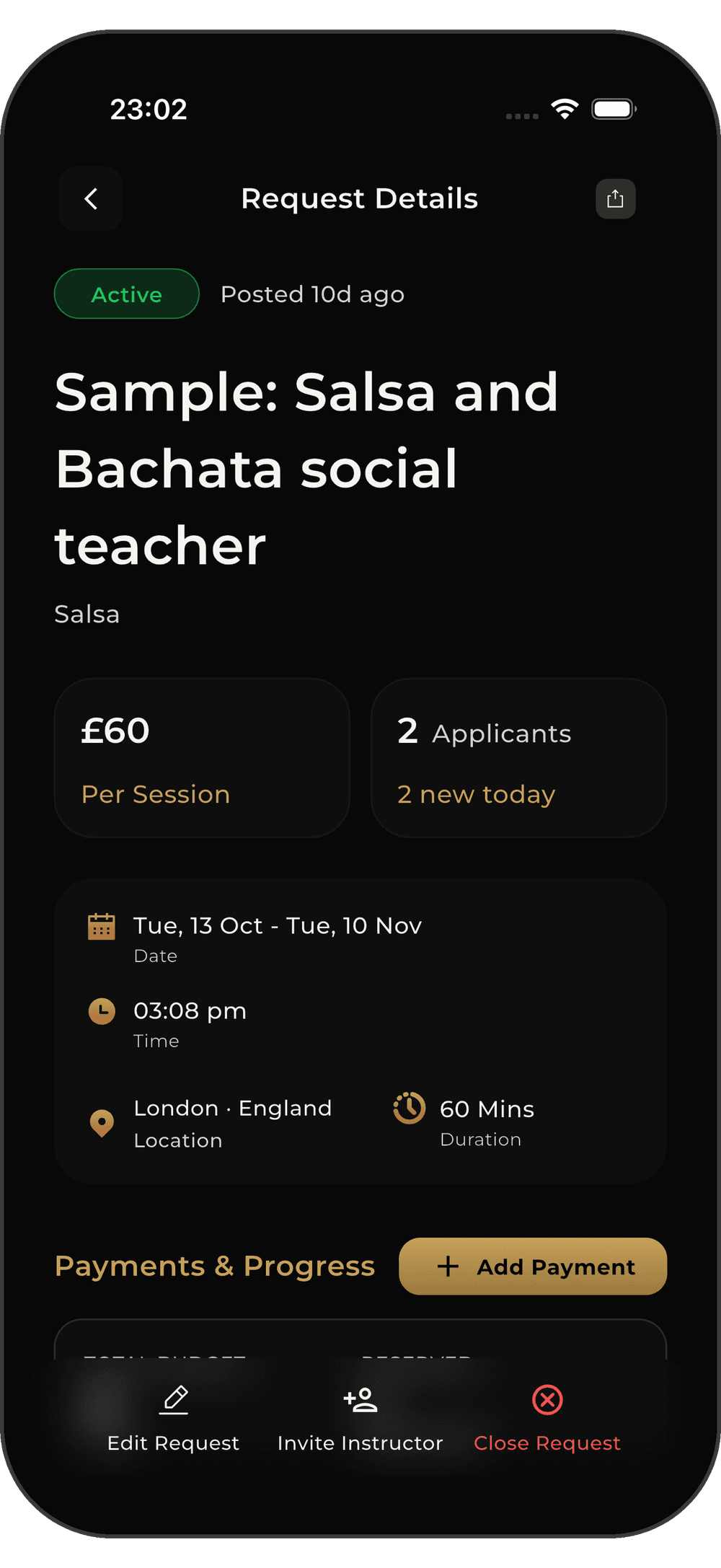
Can't find exactly what you need in the marketplace? Post a custom request for private coaching. Define your location, set your exact budget, and let top-tier instructors apply directly to your listing.
Set the Parameters
Define job type, style, and interactive map location
Control the Budget
Choose between Fixed Rate or Hourly Rate structures
Review & Hire
Evaluate incoming applications and hire the best fit

FOR INSTRUCTORS
Your Talent, Your Terms
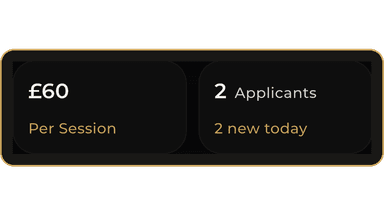
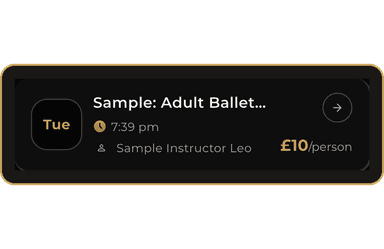
Browse open studio positions, set your rates, and get paid through milestone-based escrow.
Join thousands of instructors finding their next gig
Hustle Without
the Friction
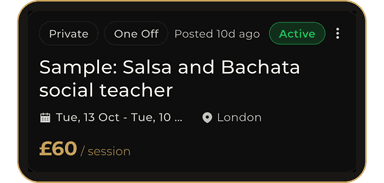
Your centralized hub for finding studio gigs and private students. Track active milestones, submit completion requests, and get paid directly to your Flow-dance wallet.
Your
Masterclasses,
Fully Managed.
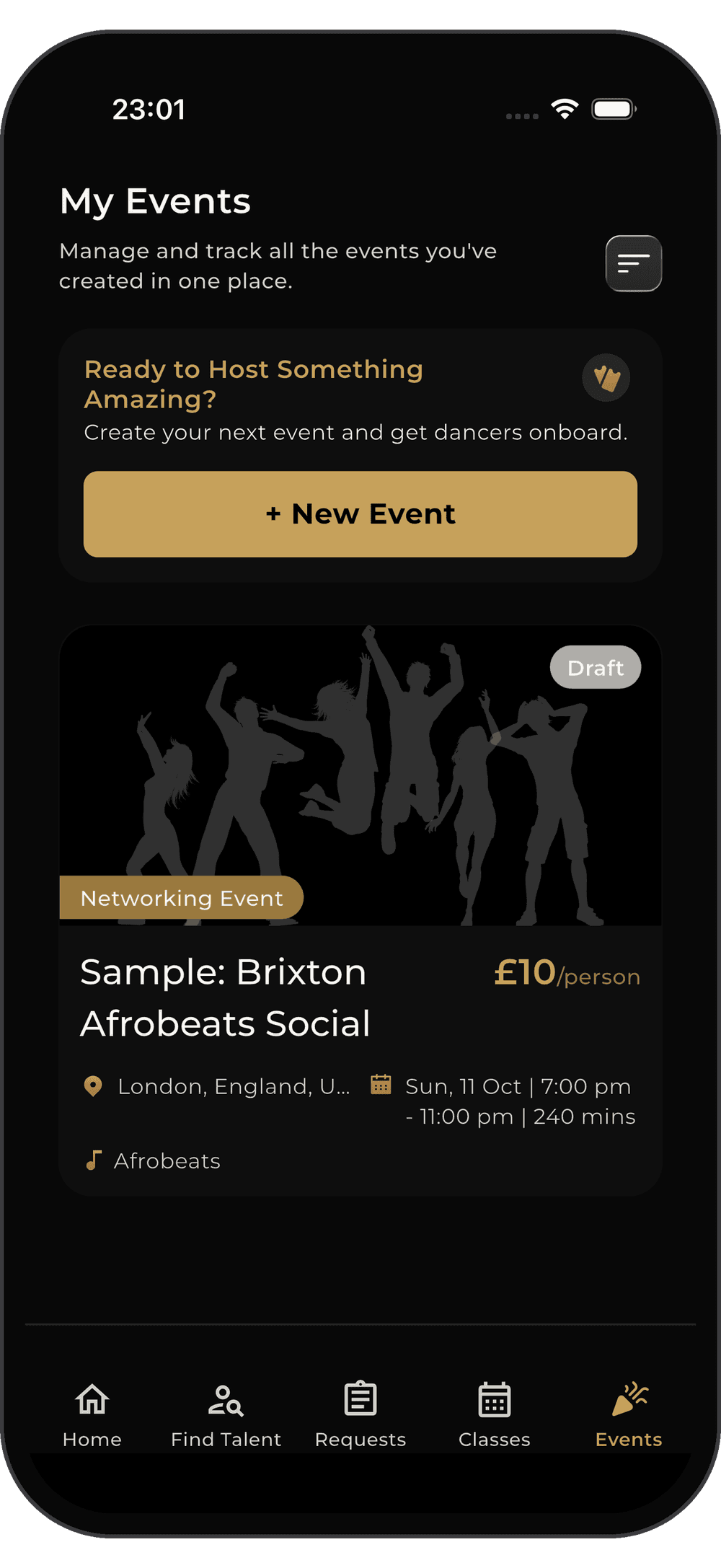
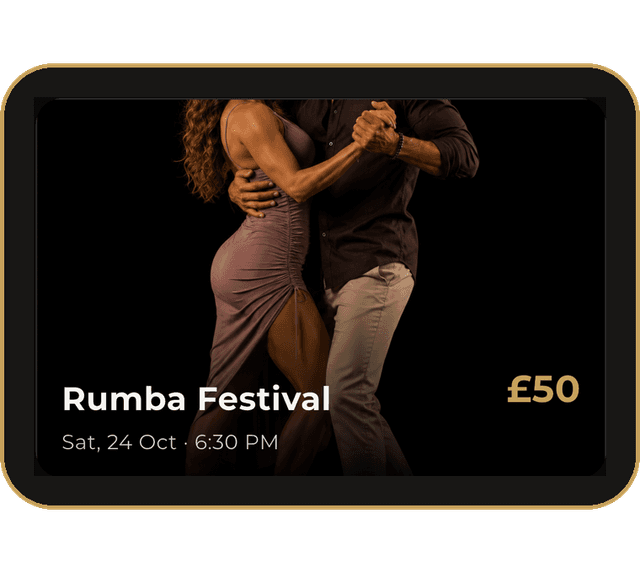
Don't just take gigs—create your own. Launch exclusive events and masterclasses directly on FDC One. Set custom ticket tiers, track real-time sales trends, and manage your attendee list all from one powerful dashboard.
Custom Ticket Tiers
Offer General Admission, VIP, or Early Bird pricing
Live Sales Analytics
Track revenue and booking volume with visual charts
Attendee Management
Monitor your guest list and scan digital tickets
Coordination,
Without the
Clutter.
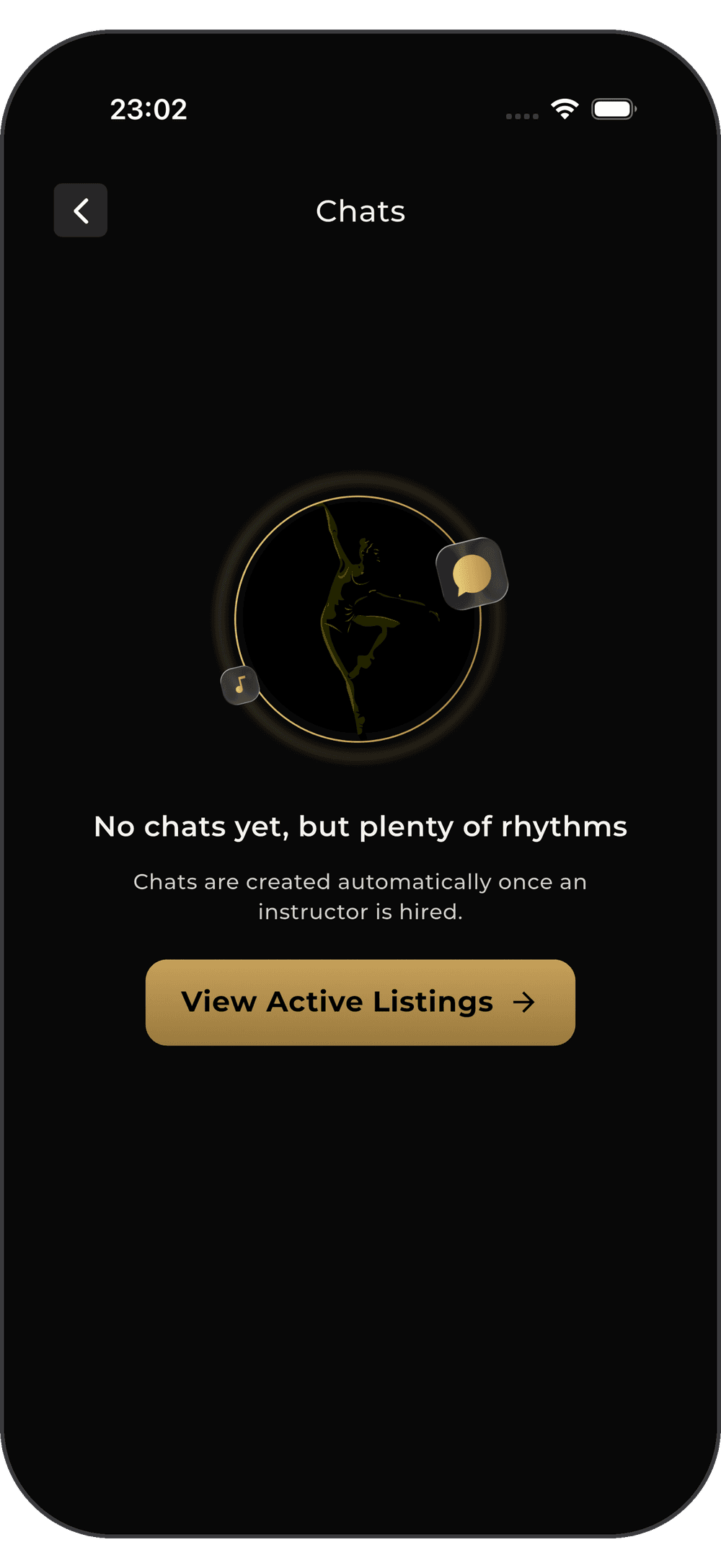
Keep your professional logistics locked in. FDC One automatically generates dedicated, context-aware chat threads for every gig you book. Discuss playlists, confirm equipment, and align with studios before you even step on the dance floor.

Gig-Specific Threads
Chats tied directly to your assigned classes

Instant Coordination
Quick-reply prompts for rapid alignment
Centralized Inbox
Never lose a studio's message again

FOR STUDIOS
How It Works
Staff and Scale
with Precision
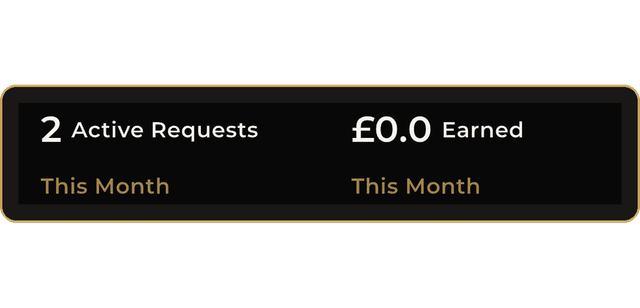
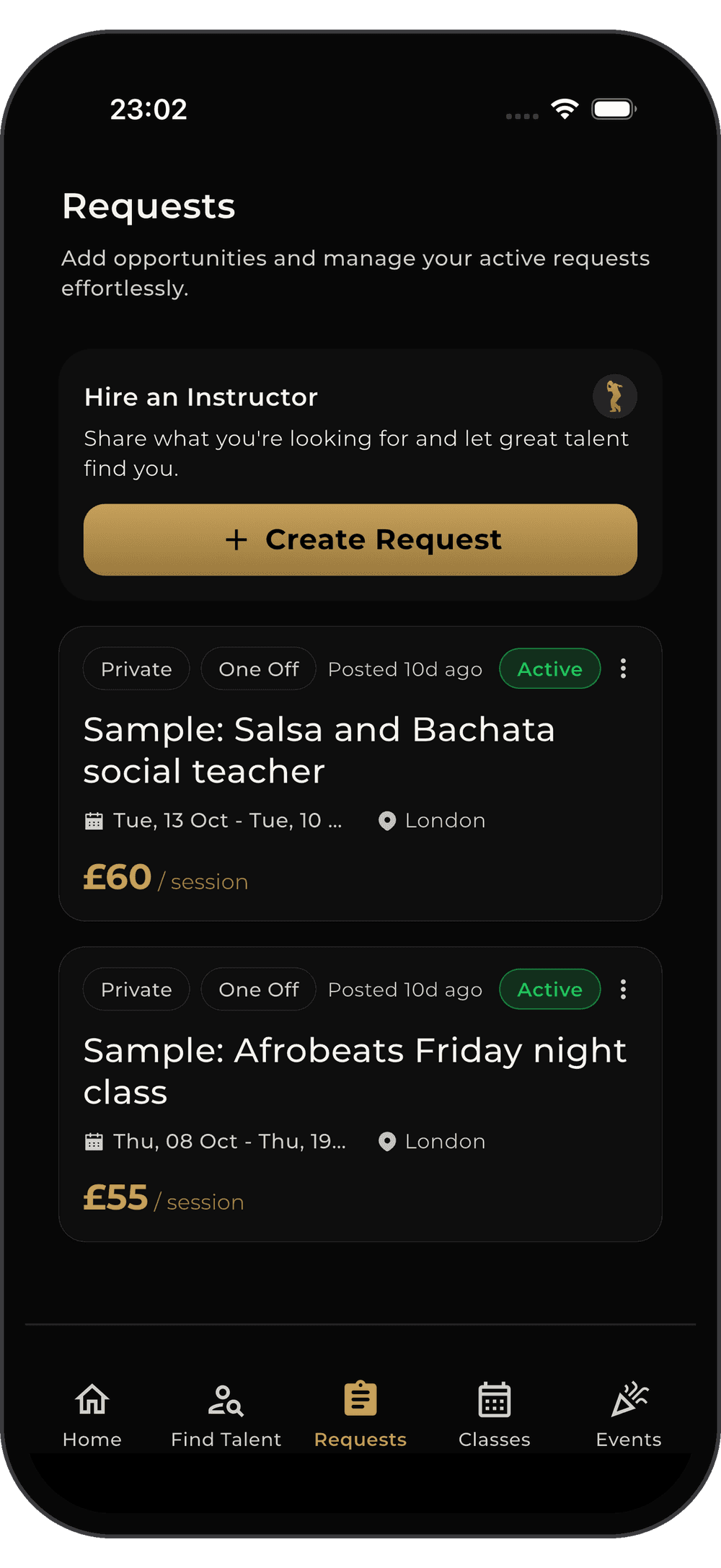
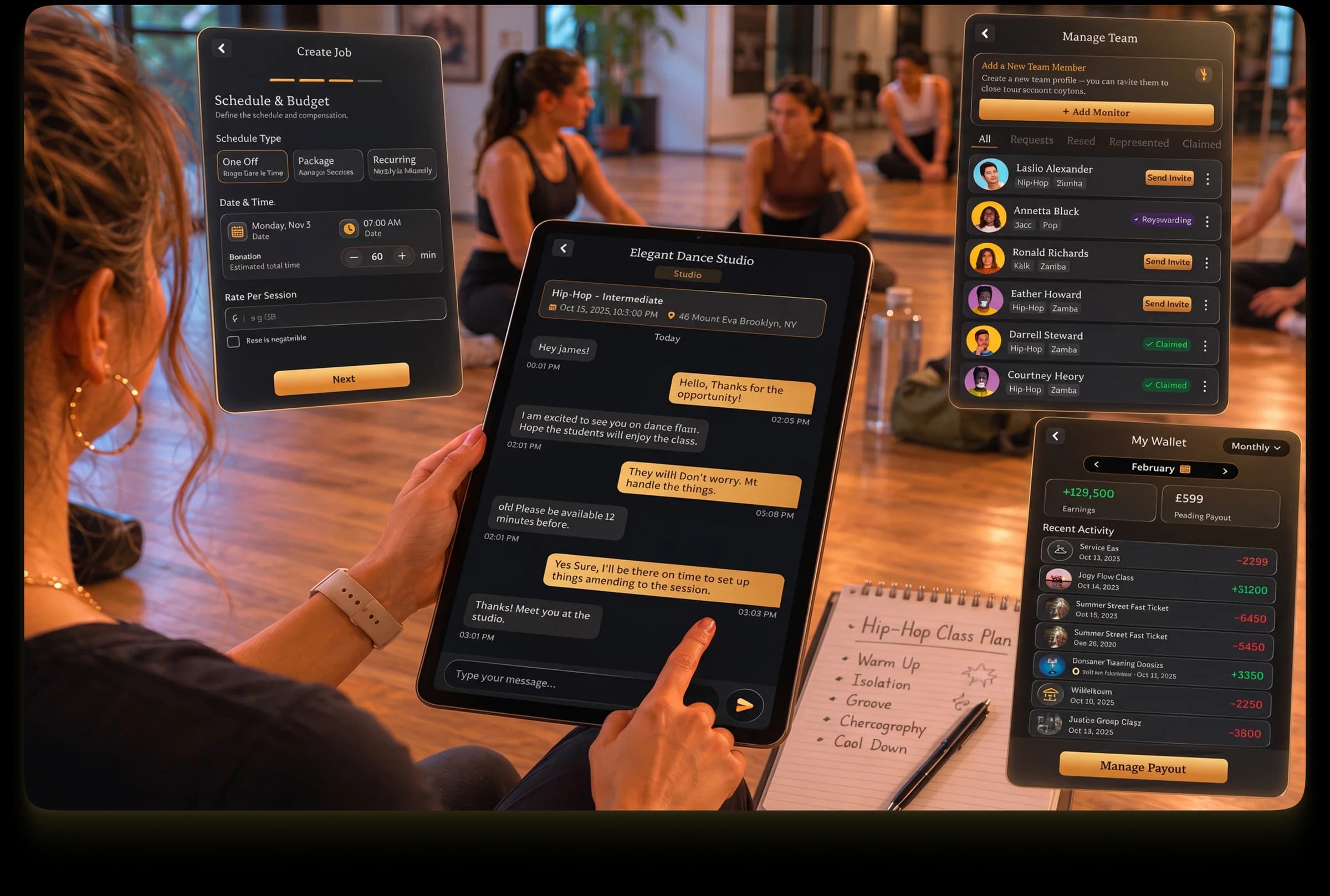
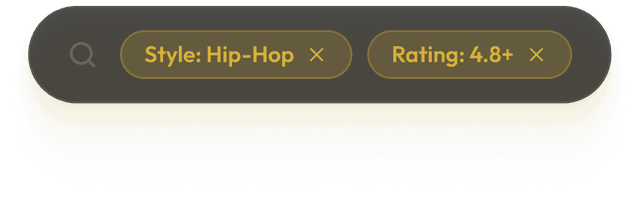
Take control of your venue. Post hourly or fixed-budget jobs, search our curated talent pool, and manage escrows all from one powerful command center.
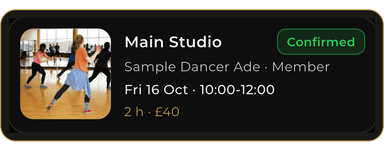
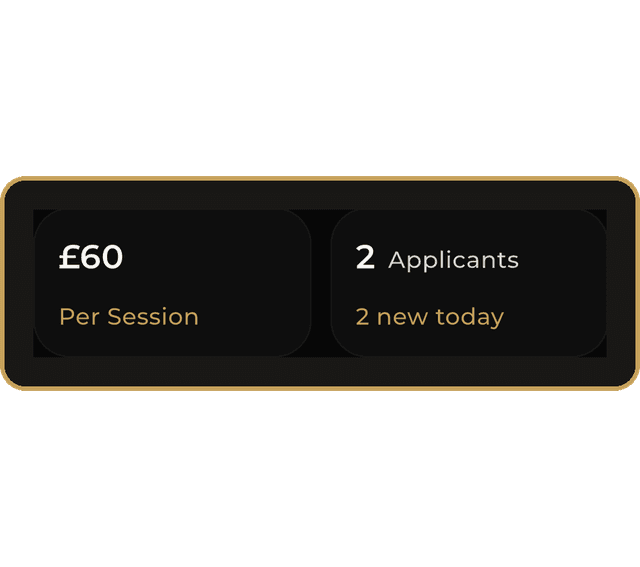
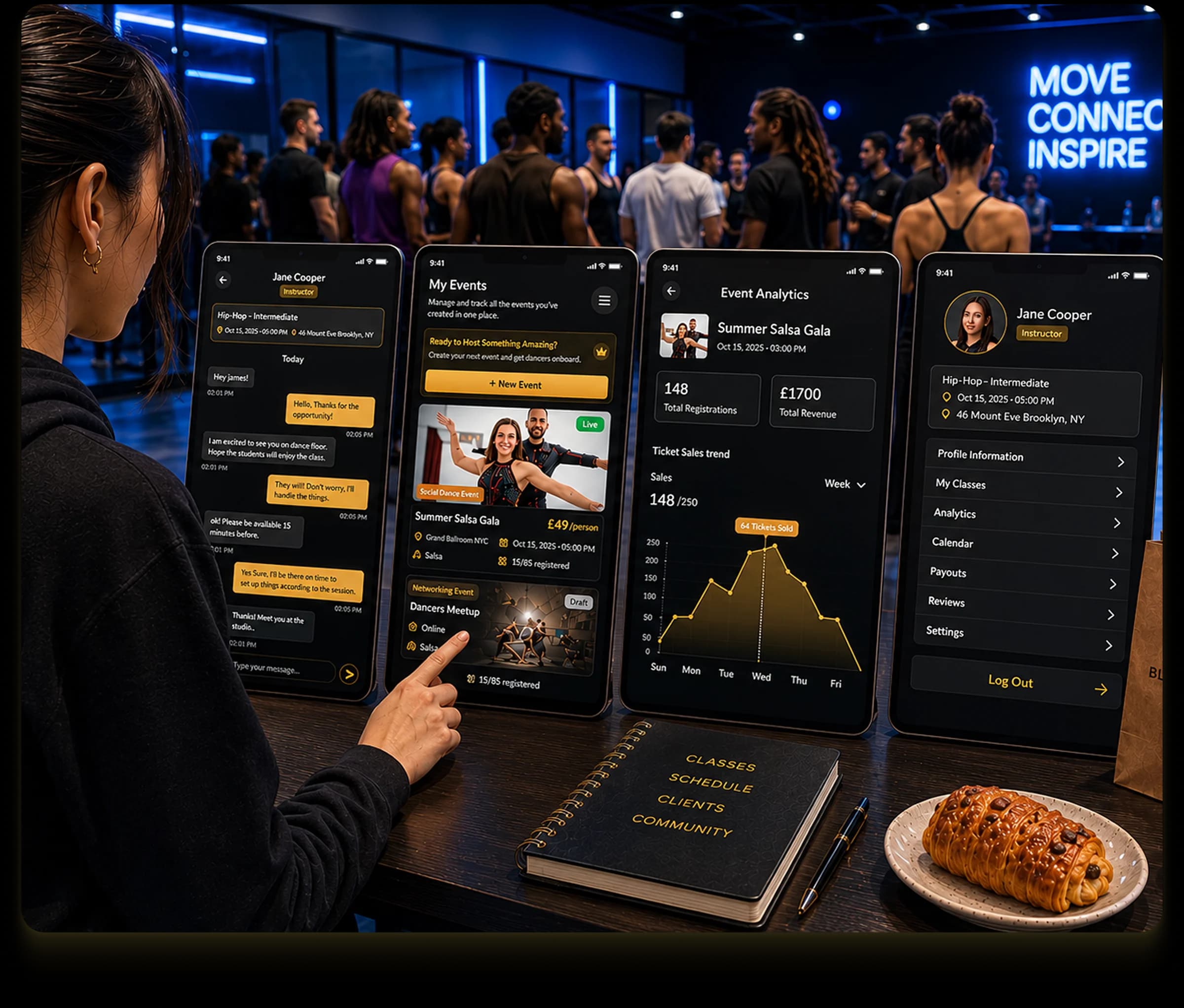
Host at a
Massive Scale
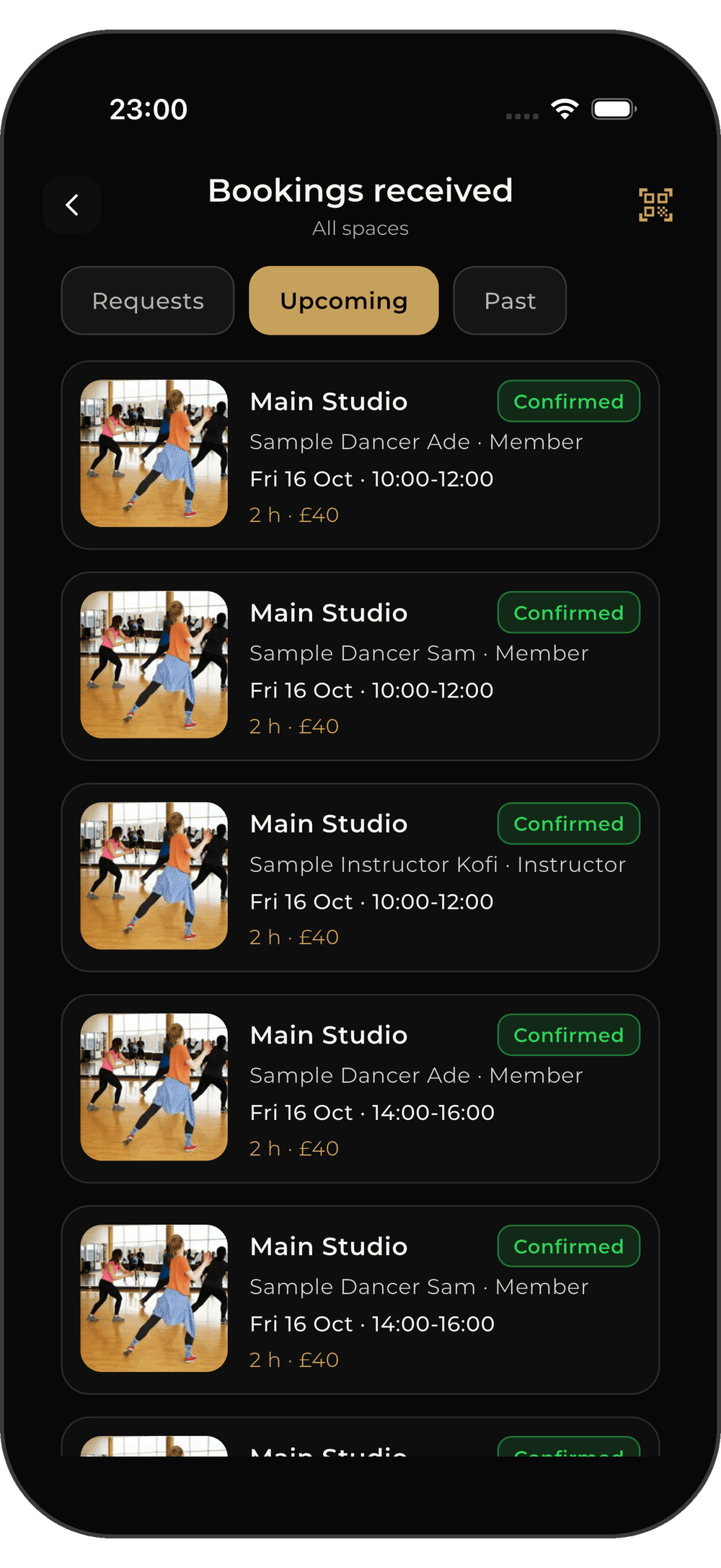
Create and promote your own masterclasses directly on the platform. Manage attendee lists, sell tickets effortlessly, and use the dynamic in-app QR scanner for lightning-fast event check-ins.
The right room, for as long as you need it.
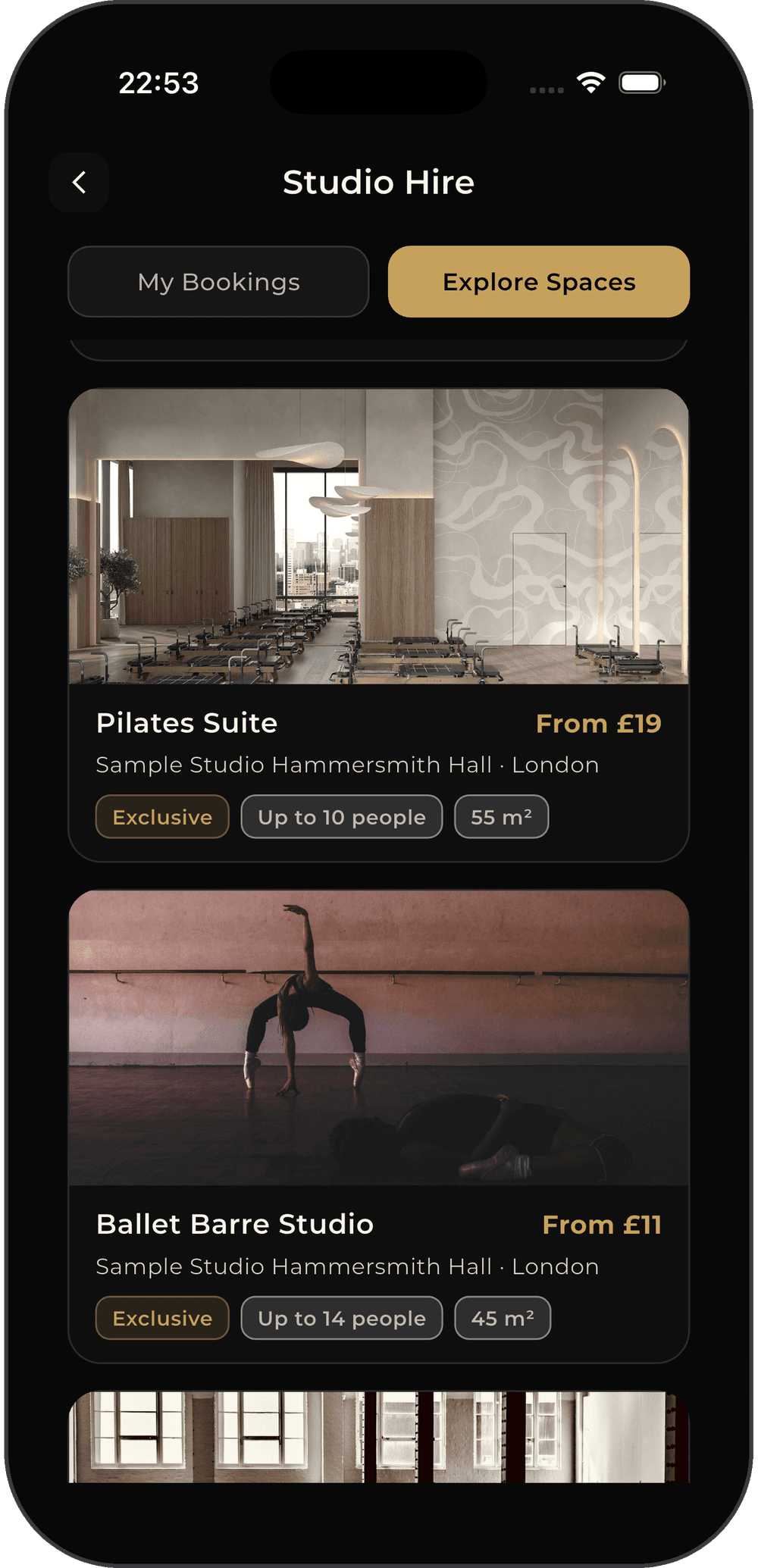
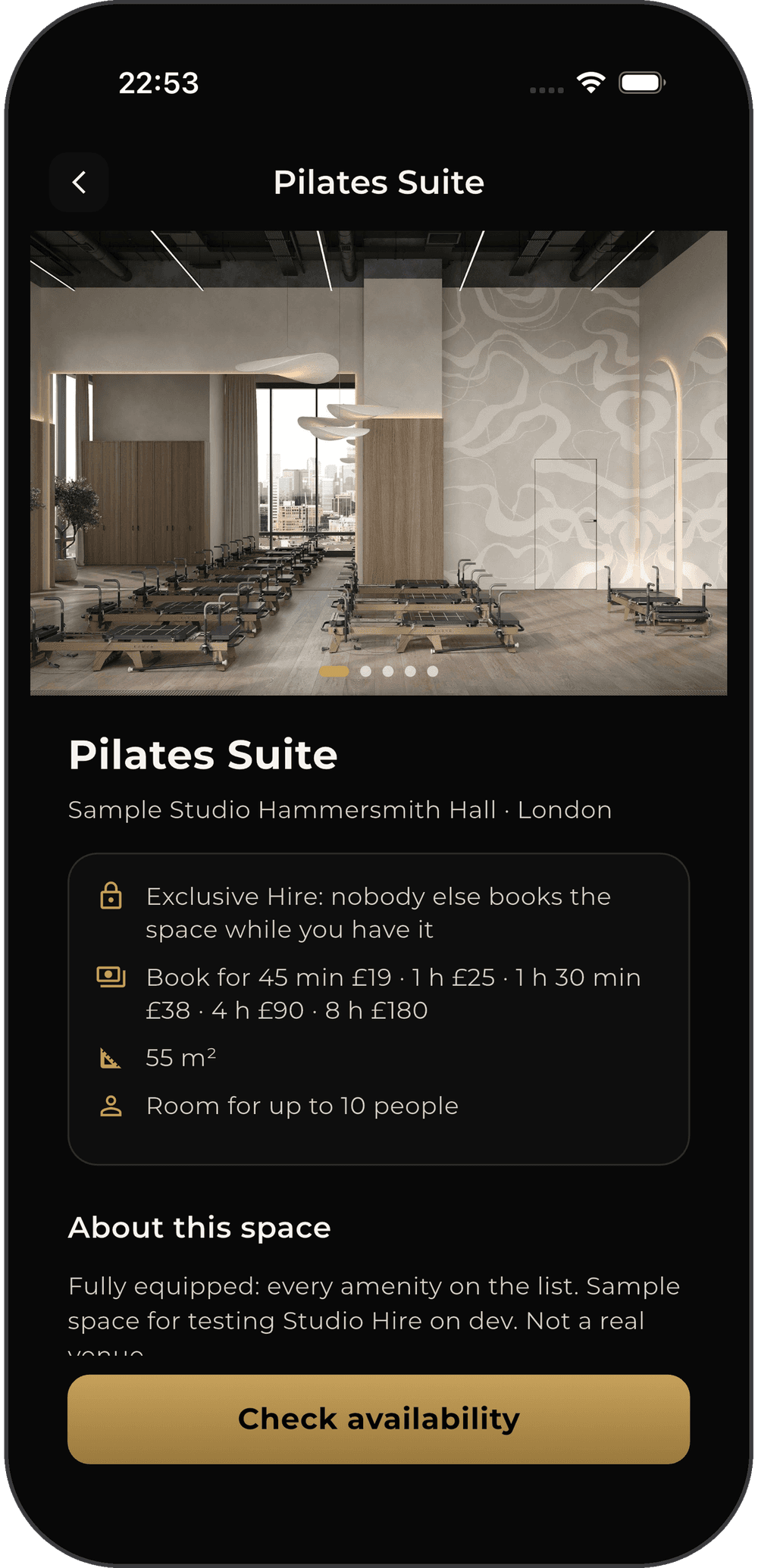
Members and instructors book studios and rehearsal rooms in a few taps. Studios fill their empty hours and get paid, without the back-and-forth.
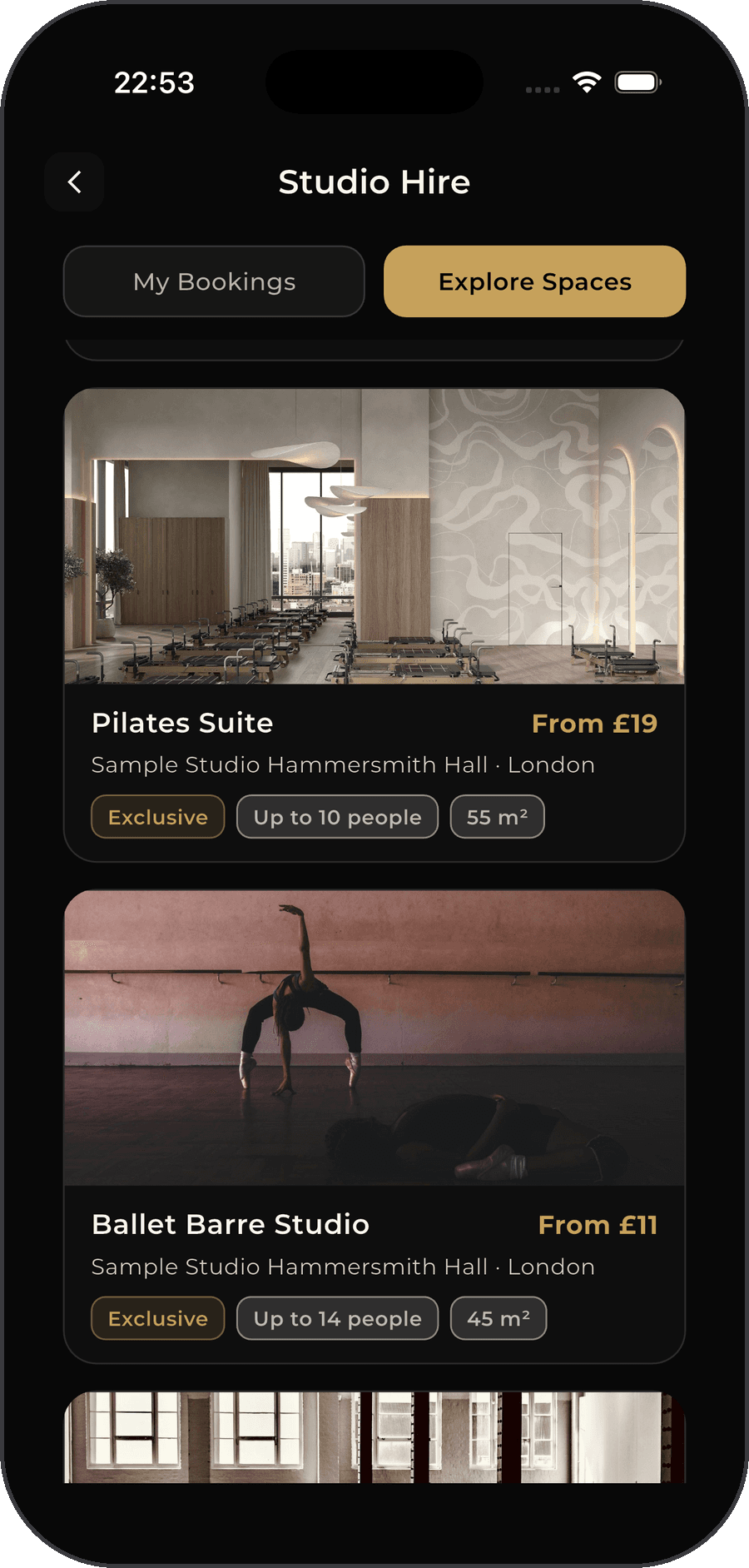
If you need a space
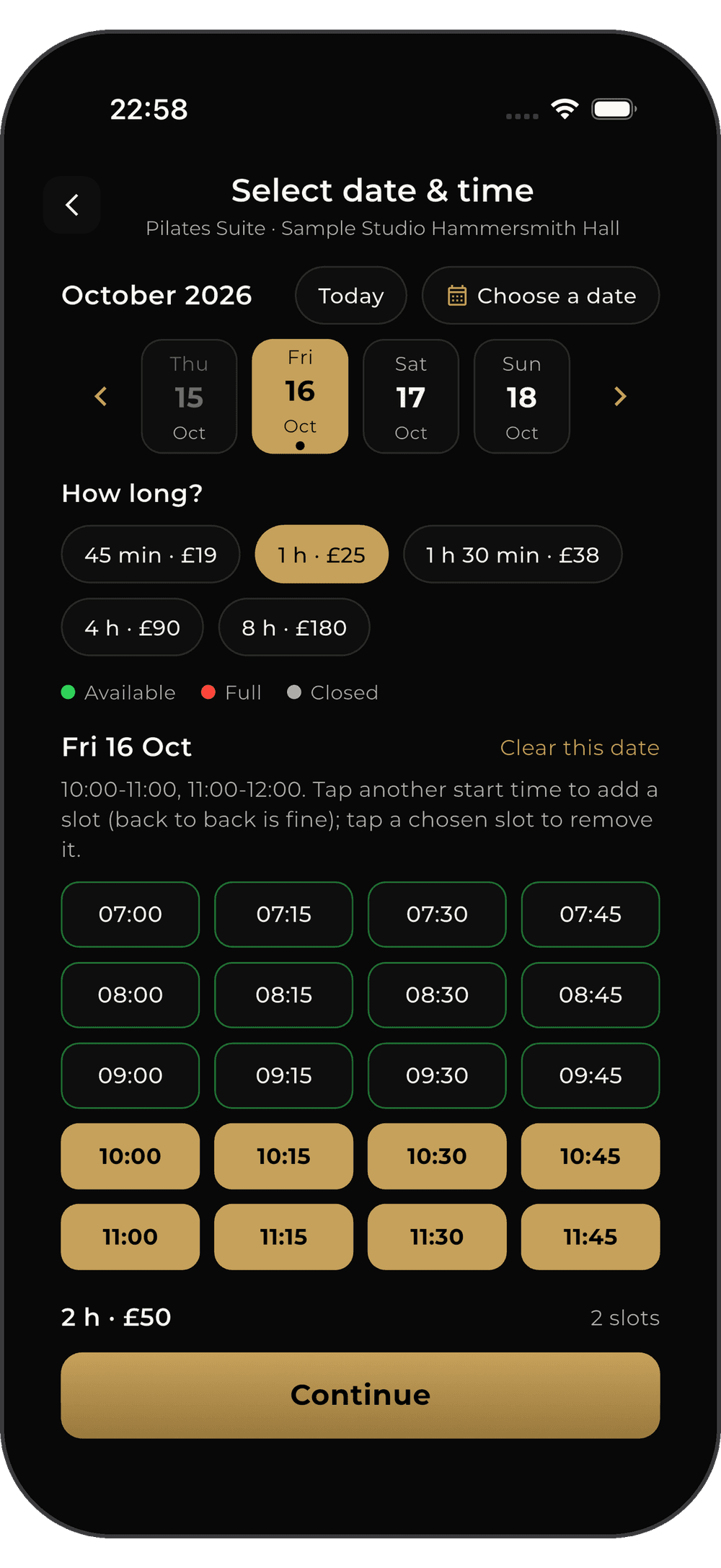
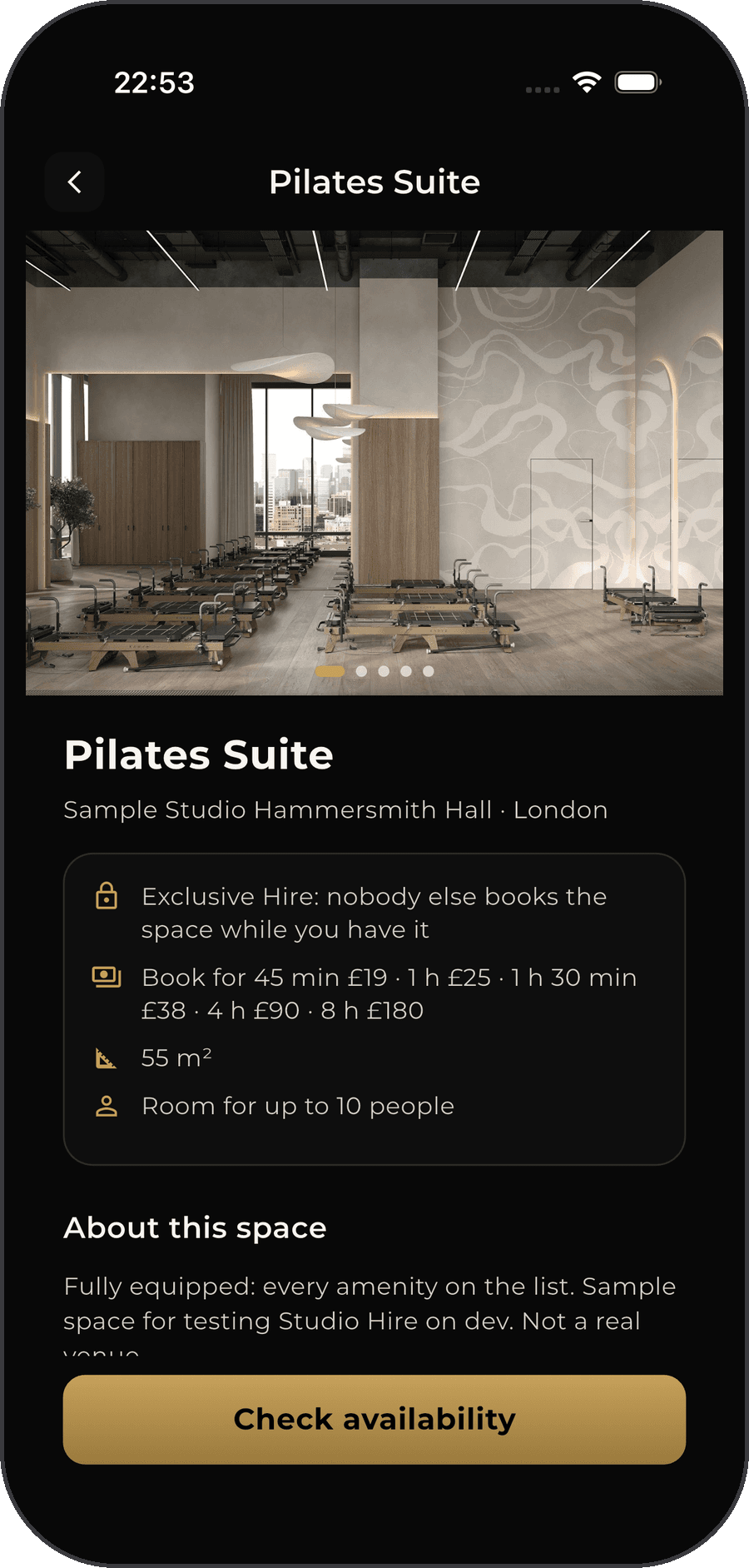
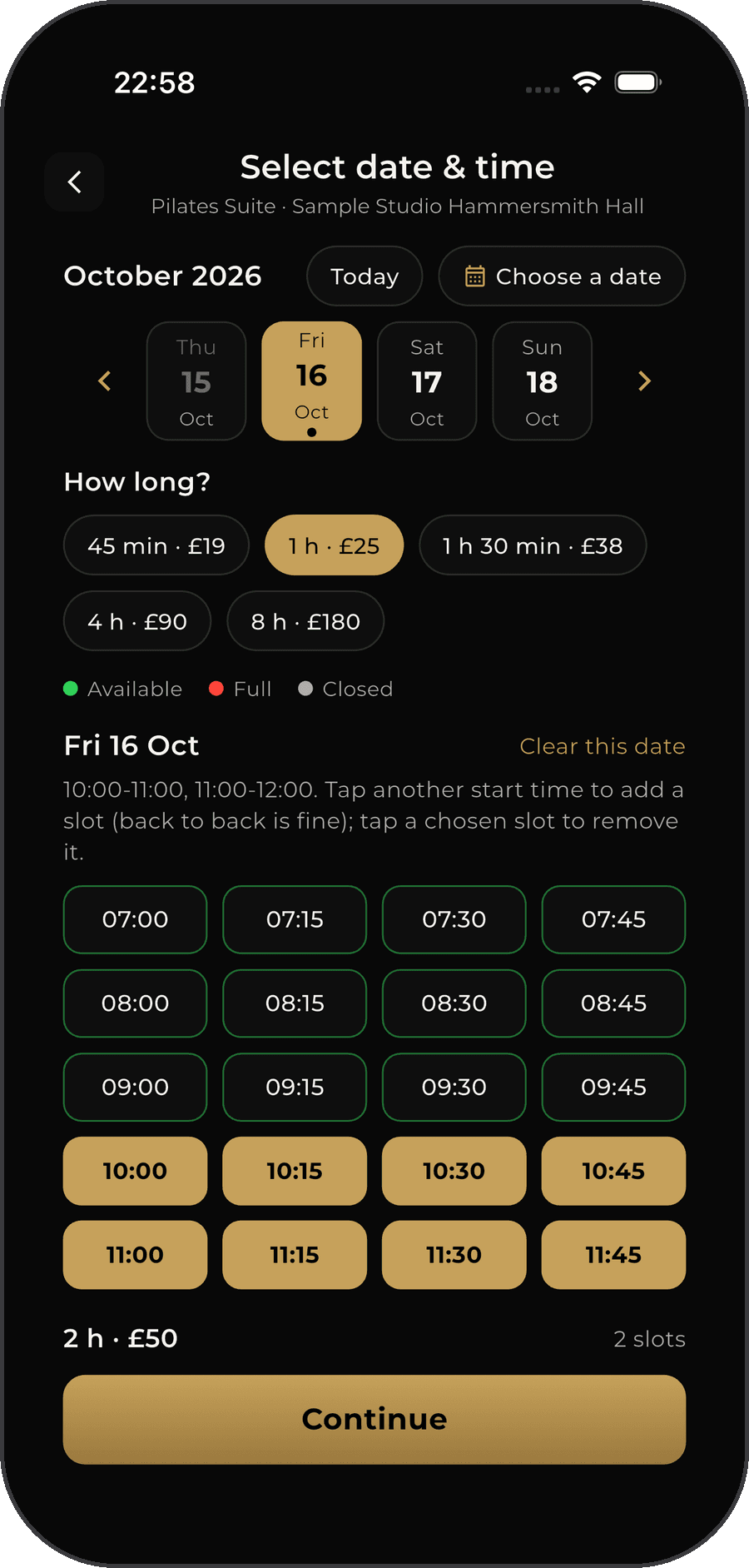
- Find a room near you: filter by date and time, price, how many people it fits, shared or private, and amenities like mirrors or a sprung floor
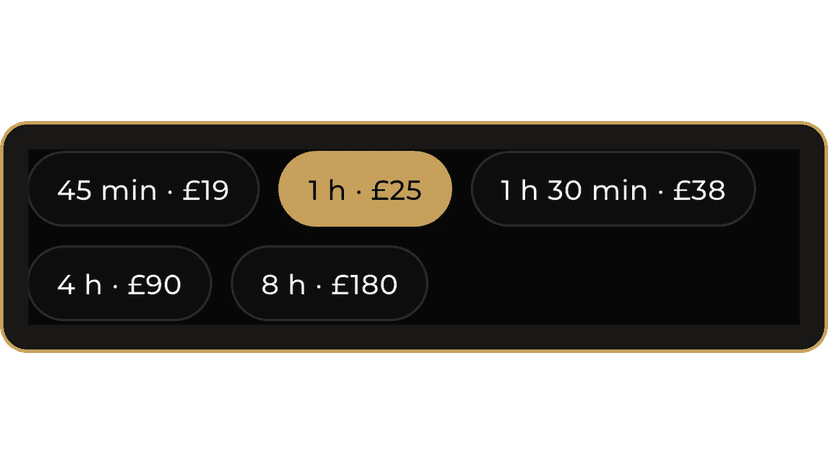
- See photos, opening hours and the lengths on offer (for example 45 minutes, 1 hour or 4 hours), each with its own price
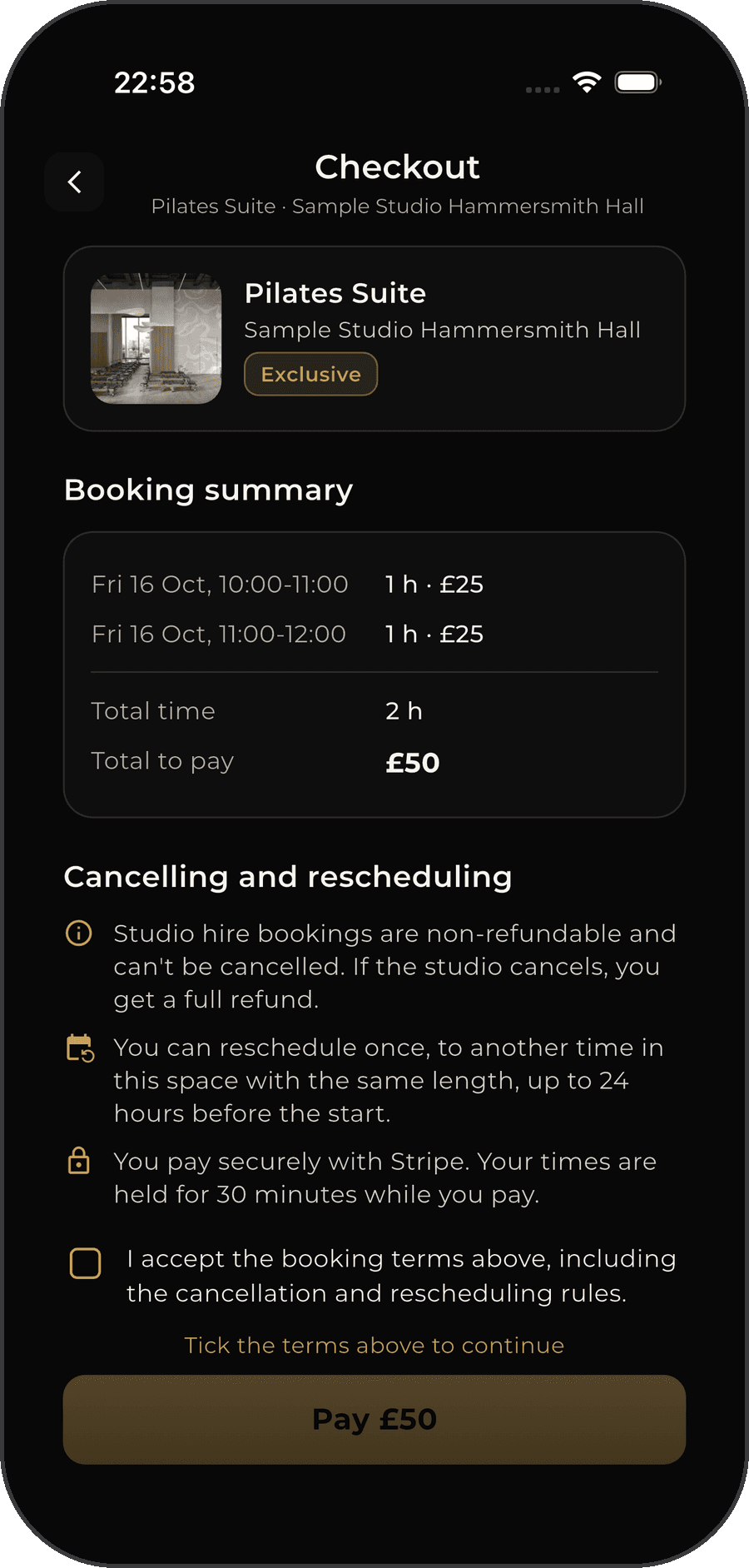
- Book several times in one go, on the same day or on different dates, with one payment
- Instant book confirms as soon as you pay. Request to book holds your card and only charges it if the studio accepts
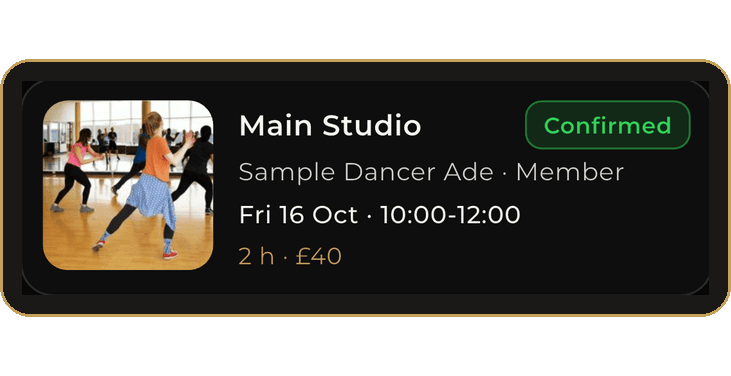
- Get a QR code for each booked time to show when you arrive, and add your bookings to your calendar
If you have a space
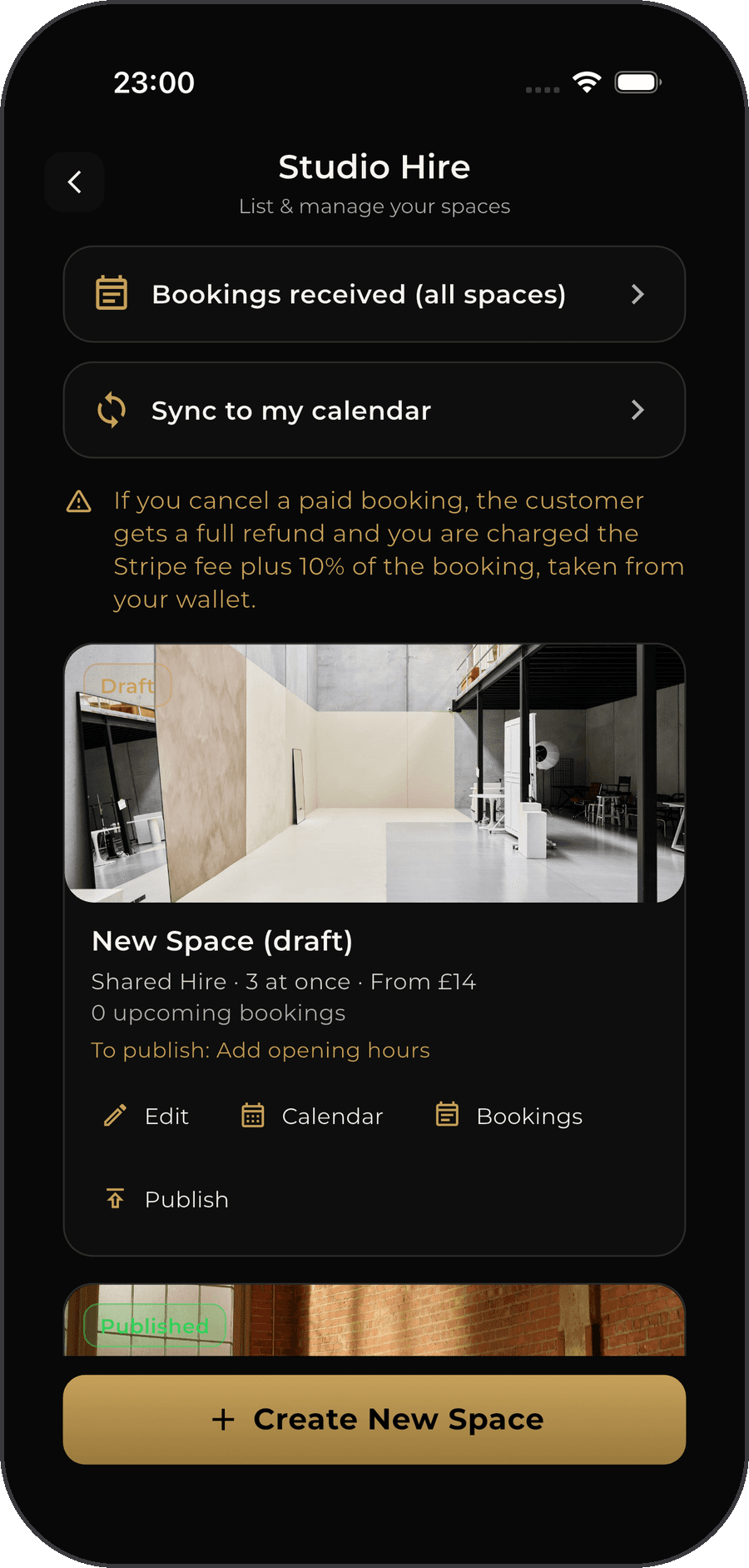
- List each room with photos, size, capacity, amenities and your own lengths and prices
- Set weekly opening hours, close single days and block out times
- Choose Instant book or Request to book, for the whole space or for each block of opening hours
- Already take bookings elsewhere? Add your calendar or Google Sheet link and FDC One keeps those times closed
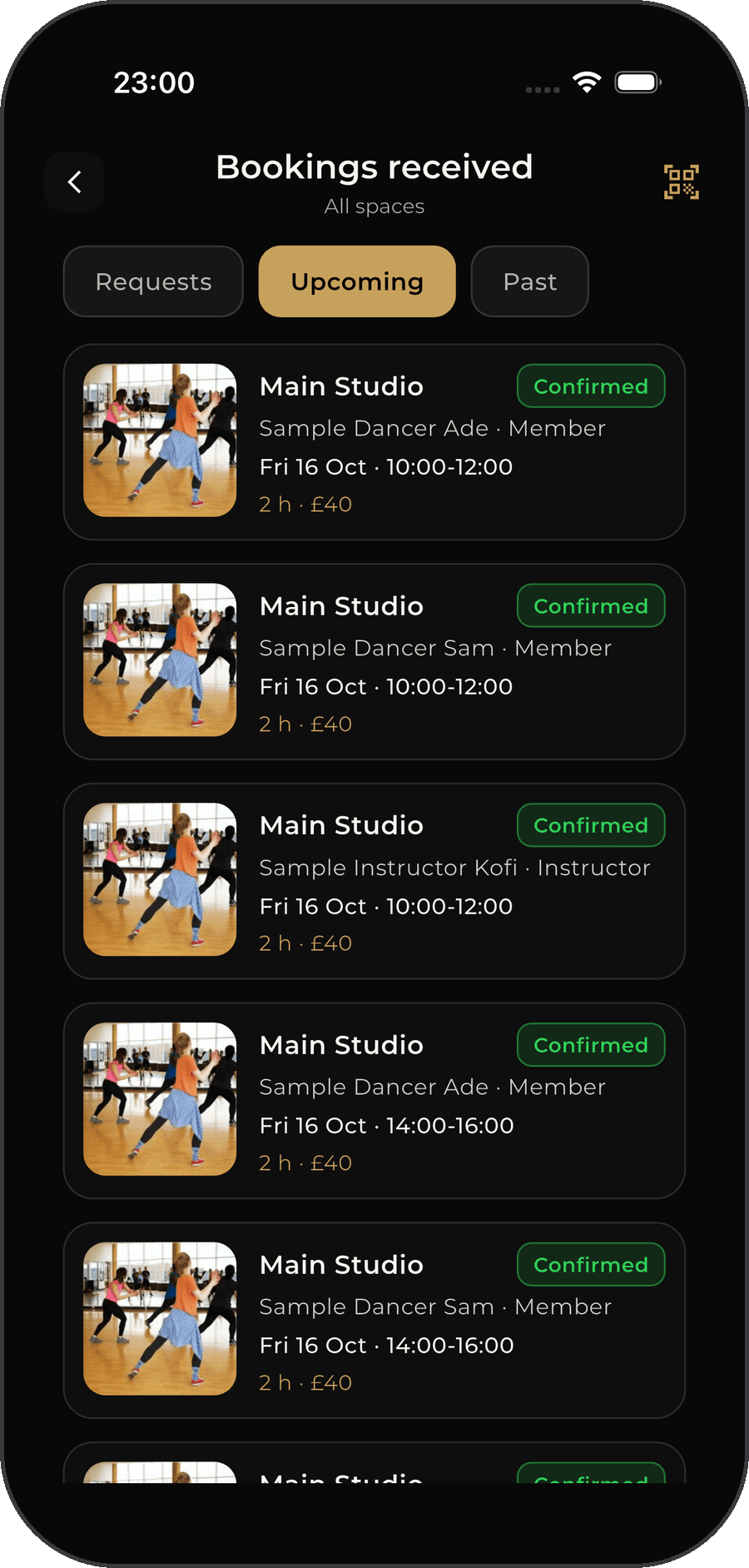
- Scan hirers in by QR (or tick them off) and get paid to your wallet 24 hours after the session
How Request to book works
For studios that want to say yes or no to each booking before it's confirmed.
- Step 1
The studio turns it on
Each space is Instant book or Request to book. A studio can also pick it per block of opening hours, for example Request to book only in the evenings.
- Step 2
You send a request
Pick your times and pay as normal. Your card is held, not charged, and the times are kept for you while the studio decides.
- Step 3
The studio decides
The studio gets a notification and taps Accept or Decline in the app. They have 12 hours, or 2 hours if the booking starts within a day. Your booking shows how long they have left.
What happens next
- Accepted
- Your card is charged, the booking is confirmed and your QR codes appear.
- Declined
- The hold on your card is released and you're told straight away, with the studio's reason if they give one. You pay nothing.
- No answer in time
- The request is declined automatically, the hold is released and you pay nothing.
Changed your mind? You can withdraw a request before the studio answers, and the hold is released. If a studio's linked calendar stops working, its spaces switch to Request to book until it's fixed, so nothing gets double-booked.
Good to know
- Times
- Bookings start on the hour or half hour, from 45 minutes up to 8 hours, at least 1 hour ahead and up to 12 months ahead.
- Requests
- With Request to book you only pay if the studio accepts. They have 12 hours to answer (2 hours if the booking is within a day).
- Changes
- Bookings can't be cancelled or refunded. If the space allows it, you can reschedule once, up to 24 hours before the start.
- If the studio cancels
- You get a full refund. The studio covers the cost, so you never pay for their cancellation.
- Something wrong?
- Use Report a problem from 1 hour before until 24 hours after your booking. Our team looks into it and the studio's payment waits until it's sorted.
- For studios
- You set the price. FDC One keeps 10% plus the card fee; the rest is yours, ready 24 hours after the session.
Frequently Asked Questions
A One-off Class is a single-date session — book and pay directly through Stripe. A Recurring Class runs across multiple sessions on set days of the week between a start and end date, and can be booked as a Single Class or a Package.
Single Class lets you book and pay for just one session at the instructor's per-session price. Package lets you choose a Tier (a bundle of sessions at a set price, completed within a set number of weeks), then pick your preferred days from the available recurring slots.
It depends on the instructor/studio's settings. No Reschedule means your date is fixed. 24-Hour Reschedule means you can move your session to another available date within your package's validity, as long as it's at least 24 hours before the original session. This is shown clearly before you book and pay.
If the class allows 24-Hour Reschedule, go to your booked class in My Bookings, select the session you want to change, and choose a new available date within your package's validity — as long as you do this at least 24 hours before the original session. If the class is set to No Reschedule, the booked date cannot be changed.
Go to My Bookings > Classes, then Upcoming or Past. Opening an upcoming recurring class and scrolling to Your Schedule > View All shows a Calendar and Timeline of missed, completed, and upcoming sessions.
Yes, via Edit Class — but once a class has at least one booking, the Location Type and Schedule Type can no longer be changed.
Studios and members can post jobs to hire instructors. Only one instructor can be hired per job — once hired, all other applications, invites, and offers are automatically removed.
The studio or member who posted the job adds a Milestone (title, amount, description) and funds it via Stripe using Pay Now. Once funded, the job poster can Approve payment, and the hired instructor can Request Payment. Approve only appears once an instructor is officially hired.
Click Manage Payout to complete Stripe onboarding or open your Stripe dashboard, then click Pending Payout to withdraw fully or partially.
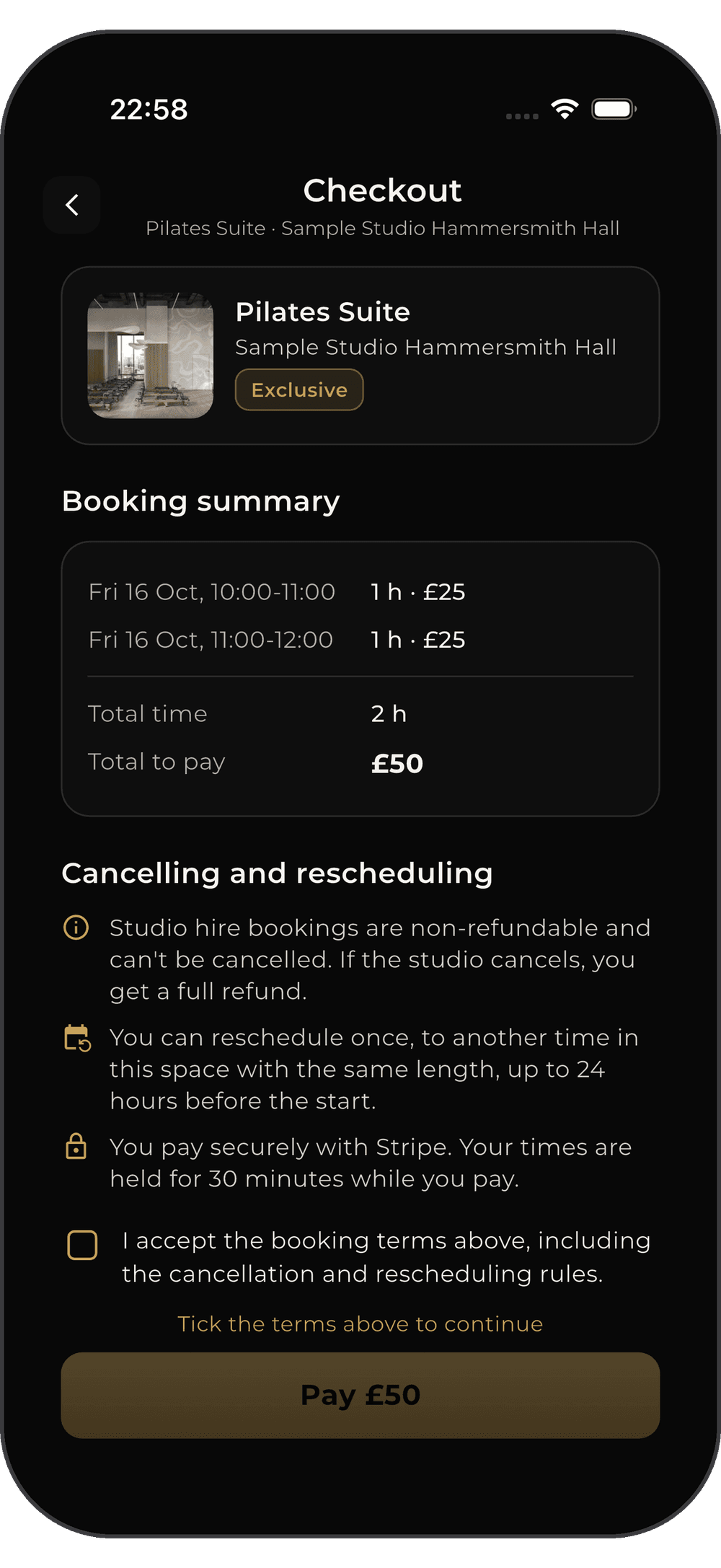
Find a room in the app, pick a date and one of the lengths the studio offers (for example 1 hour or 4 hours), choose a start time on the hour or half hour, and pay. You can add several times, on one day or on different dates, and pay once. Each booked time gets a QR code to show when you arrive.
Instant book confirms your booking as soon as you pay. Request to book holds the amount on your card without charging it. The studio has 12 hours to accept (2 hours if the booking is within a day). If they decline or don't answer, the hold is released and you pay nothing.
Studio hire bookings can't be cancelled or refunded. If the space allows rescheduling, you can move your booking once, to another time in the same space with the same length, up to 24 hours before it starts. If the studio cancels, you get a full refund.
Open the booking and tap Report a problem. You can do this from 1 hour before your booking until 24 hours after it. Our team reviews it, and the studio isn't paid for that booking until it's sorted.
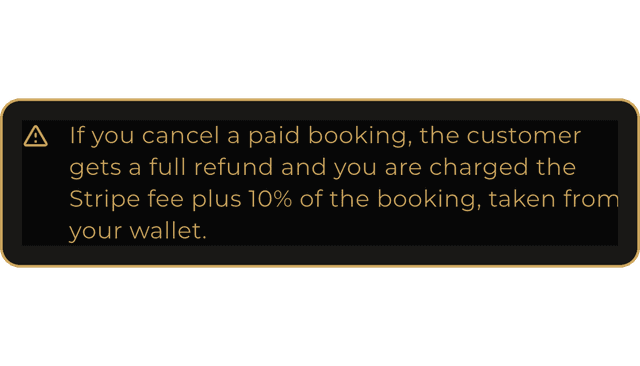
You set your own lengths and prices; FDC One keeps a 10% commission plus the card processing fee, and the rest goes to your wallet 24 hours after each session. If you cancel a paid booking, the customer gets a full refund. 48 hours or more before the booking, you pay only the card fee. Less than 48 hours before, or if the space isn't ready, you pay the card fee, 10% of the booking and FDC One's commission.
Connect Google Calendar on each room's calendar card: FDC One bookings go into it within seconds, and events already in it close those times in FDC One. Using Outlook, iCloud or a booking system? Paste its calendar link (or a Google Sheet) under Studio Hire > Other bookings. FDC One checks it every minute and keeps those times closed. If a link stops working, your spaces switch to Request to book until it's fixed, and you're told if an outside booking clashes with an FDC One booking.
When someone sends a request you get a notification. Open it in the app and tap Accept or Decline (you can add a reason). Accepting charges their card and confirms the booking; declining releases the hold. Answer within 12 hours, or 2 hours if the booking starts within a day, or the request is declined automatically. You can switch any space, or any block of opening hours, between Instant book and Request to book whenever you like.
Yes. Until the studio answers, you can withdraw your request from your booking. The hold on your card is released and the times are freed.
Take the Stage
Join the future of dance and fitness. Download FDC One and start your journey today.
The FDC One apps are coming soon to the App Store and Google Play.
We're Here to
Help.
Whether you're a studio looking to scale, an instructor needing support, or a member with booking questions, our team is ready to assist you. Drop us a message below.